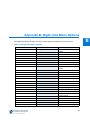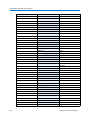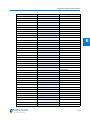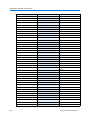
1
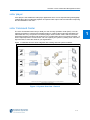
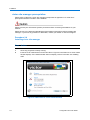
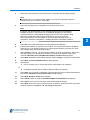
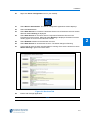
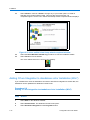
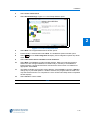
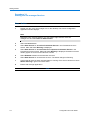
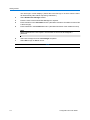
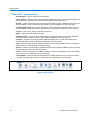
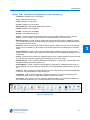
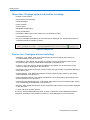
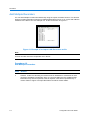
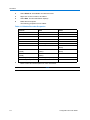
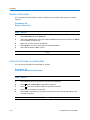
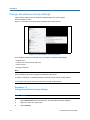
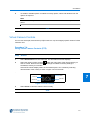
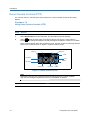
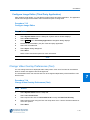
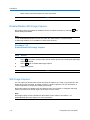
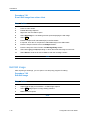
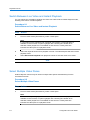
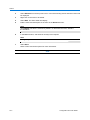
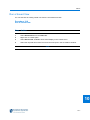
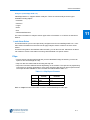
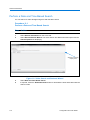
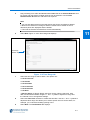
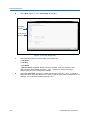
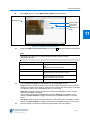
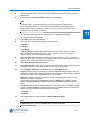
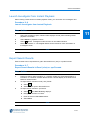
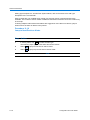
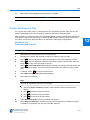
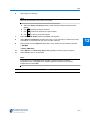
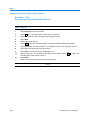
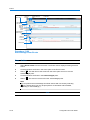
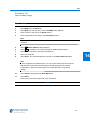
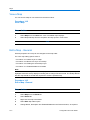
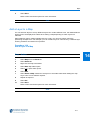
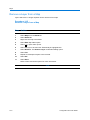
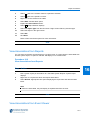
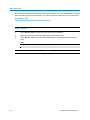
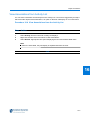
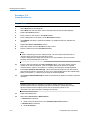
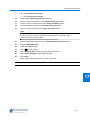
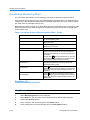
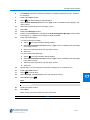
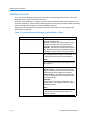
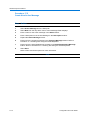
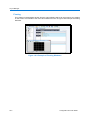
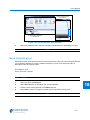
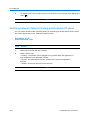
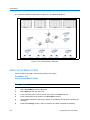
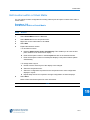
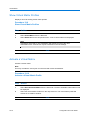
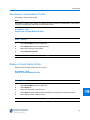
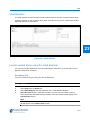
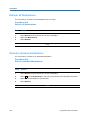
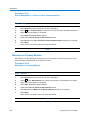
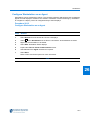
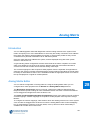
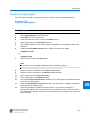
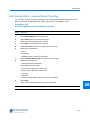
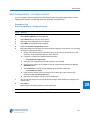
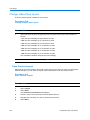
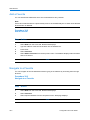
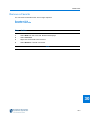
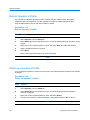
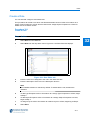
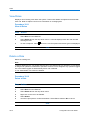
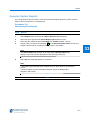
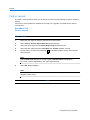
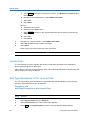
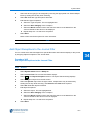
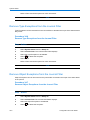
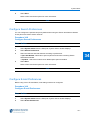
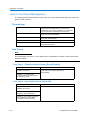
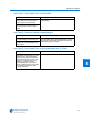
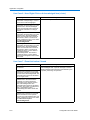
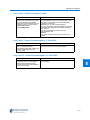
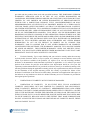
Vault Vault Explorer The Vault Explorer provides a means to filter vaulted items by recorder, camera and time range. It lists all recorders on the device list which have vaults branching for each camera with vaulted data held against it as seen below: 23 Figure 23-1 Vault Explorer Locate vaulted Items using the Vault Explorer You can use the Vault Explorer as a tool to locate specific vault items. Up to four filters can be applied to help locate an item(s). Procedure 23-2 Locate Vaulted items using the Vault Explorer Step Action 1 Select Clips from the Home tab. 2 Select Vault Explorer from the dropdown menu. Vault Explorer displays. 3 Recorder Filter section - Select the checkbox for each of the recorders to filter by. Cameras that are associated with the selection and have vaulted media display in the Camera Filter section. Note If a camera has vaulted media but has since been removed from the Recorder, it will still appear in the Camera Filter section. 23-3