1
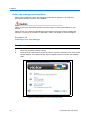
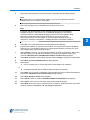
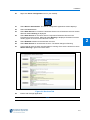
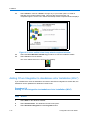
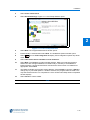
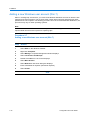
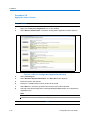
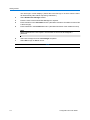
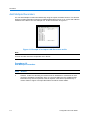
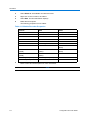
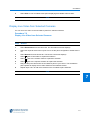
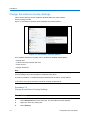
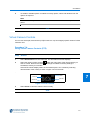
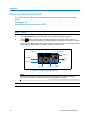
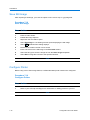
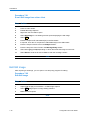
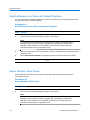
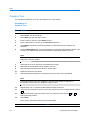
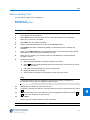
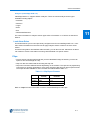
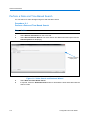
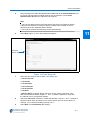
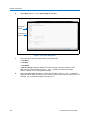
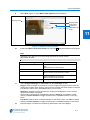
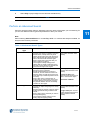
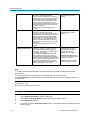
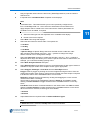
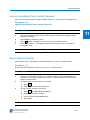
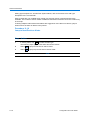
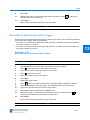
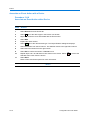
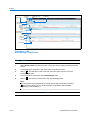
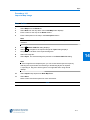
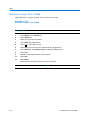
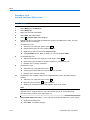
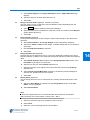
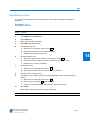
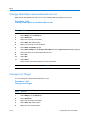
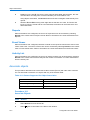
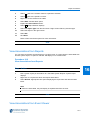
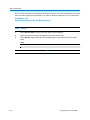
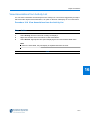
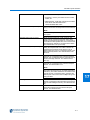
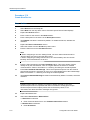
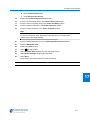
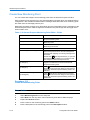
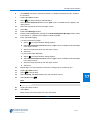
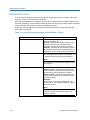
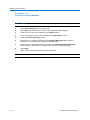
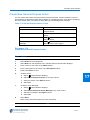
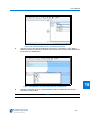
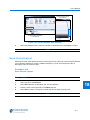
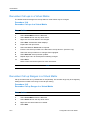
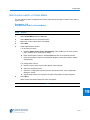
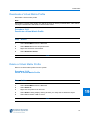
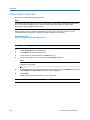
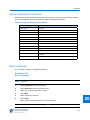
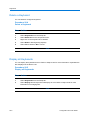
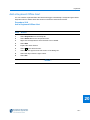
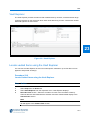
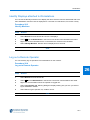
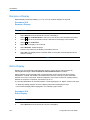
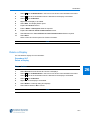
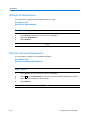
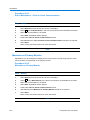
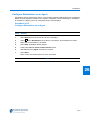
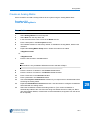
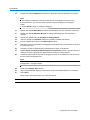
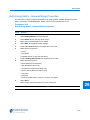
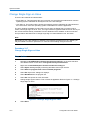
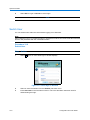
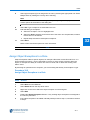
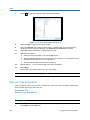
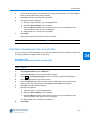
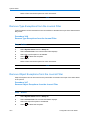
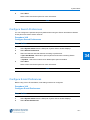
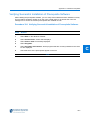
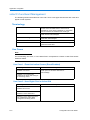
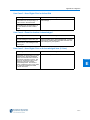
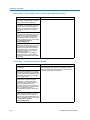
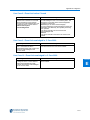
Roles 2 Select Show all from the drop down menu. 3 Right click on the role from which the type exception is to be removed. 4 Select Edit. 5 Expand Type Exceptions section. 6 Select the type exception to be deleted. The row highlights blue. 7 Select 8 Select Save. to delete the exception. Refer to Save and Close options for more information. - End - 32 Remove Object Exceptions Object Exceptions may be removed from existing roles. Removing an object exception will allow full access to that object within the role unless it has been restricted in Type Exceptions. Procedure 32-7 Remove Object Exceptions Step Action 1 Select Role from the Build tab. 2 Select Show all from the drop down menu. 3 Right click on the role from which the object exception is to be deleted. 4 Select Edit. 5 Expand Object Exceptions section. 6 Select the object exception to be deleted. The row highlights blue. 7 Select 8 Select Save. to delete the exception. Refer to Save and Close options for more information. - End - 32-9