1
Common Tasks
There are certain tasks within the client which are identical for all object types and therefore are not repeated in each
chapter. This section gives an overview of some of the tasks and explains how to perform them.
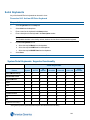
• Show All (Dynamic Views)
• Delete (Objects)
• Refresh Hardware
• Object Editors
• Object Selector
Show All Objects (Dynamic Views)
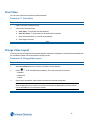
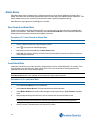
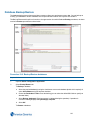
Object lists (Dynamic Views) are generally displayed using the Show All option from an object type’s dropdown
menu.
These lists will generally contain at a minimum Names and Descriptions of available objects. Depending on the type
of object being displayed, more information may be available by right clicking the column headers and displaying extra
detail.
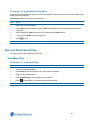
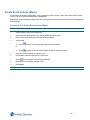
Procedure 4-5 Show All Objects (Dynamic Views)
Step Action
1
Select the Object Icon from the Build or Setup Tab.
2
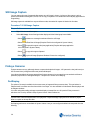
Select Show All from the dropdown menu. A List of all selected object types displays.
- End -
Delete Objects
The procedure to delete objects is identical for all object types.
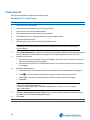
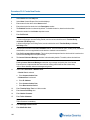
Procedure 4-6 Delete Objects
Step Action
1
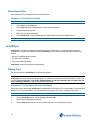
Select the Object Icon from the Build or Setup Tab.
2
Select Show All from the dropdown menu. A List of all selected object types displays.
3
Right Click on the object to be deleted.
4
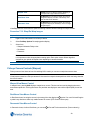
Select Delete. A warning dialog displays.
5
Select Yes to Delete or No to Cancel.
- End -
15