1
CHAPTER 17. PRIMERS
319
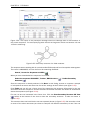
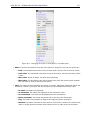
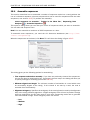
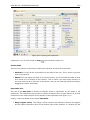
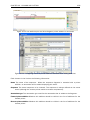
• Pair annealing - the number of hydrogen bonds found in the optimal alignment of the forward
and the reverse primer in a primer pair
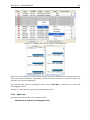
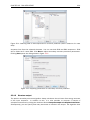
• Pair annealing alignment - a visualization of the optimal alignment of the forward and the
reverse primer in a primer pair.
• Pair end annealing - the maximum score of consecutive end base-pairings found between
the ends of the two primers in the primer pair, in units of hydrogen bonds
• Fragment length - the length (number of nucleotides) of the PCR fragment generated by the
primer pair
17.6
Nested PCR
Nested PCR is a modification of Standard PCR, aimed at reducing product contamination due
to the amplification of unintended primer binding sites (mispriming). If the intended fragment
can not be amplified without interference from competing binding sites, the idea is to seek out
a larger outer fragment which can be unambiguously amplified and which contains the smaller
intended fragment. Having amplified the outer fragment to large numbers, the PCR amplification
of the inner fragment can proceed and will yield amplification of this with minimal contamination.
Primer design for nested PCR thus involves designing two primer pairs, one for the outer fragment
and one for the inner fragment.
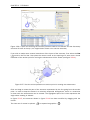
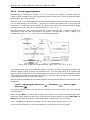
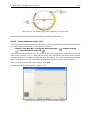
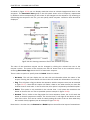
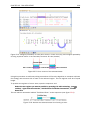
In Nested PCR mode the user must thus define four regions a Forward primer region (the outer
forward primer), a Reverse primer region (the outer reverse primer), a Forward inner primer region,
and a Reverse inner primer region. These are defined by making a selection on the sequence
and right-clicking the selection. If areas are known where primers must not bind (e.g. repeat rich
areas), one or more No primers here regions can be defined.
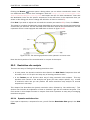
It is required that the Forward primer region, is located upstream of the Forward inner primer
region, that the Forward inner primer region, is located upstream of the Reverse inner primer
region, and that the Reverse inner primer region, is located upstream of the Reverse primer
region.
In Nested PCR mode the Inner melting temperature menu in the Primer parameters panel is
activated, allowing the user to set a separate melting temperature interval for the inner and outer
primer pairs.
After exploring the available primers (see section 17.3) and setting the desired parameter values
in the Primer parameters preference group, the Calculate button will activate the primer design
algorithm.
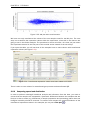
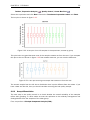
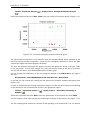
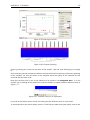
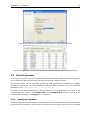
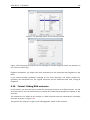
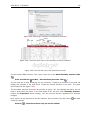
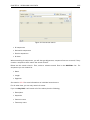
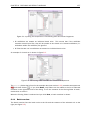
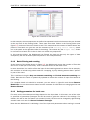
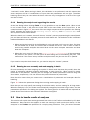
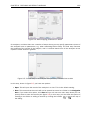
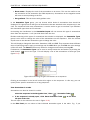
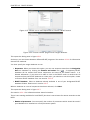
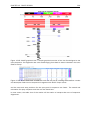
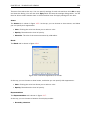
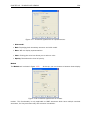
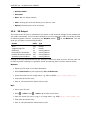
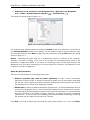
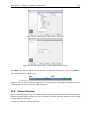
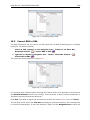
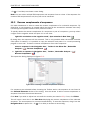
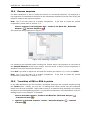
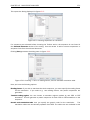
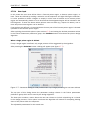
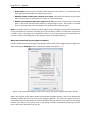
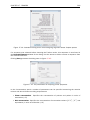
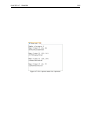
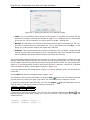
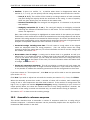
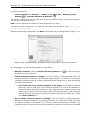
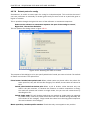
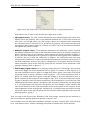
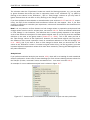
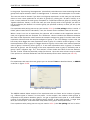
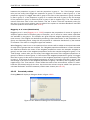
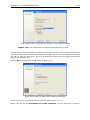
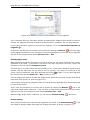
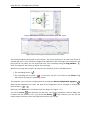
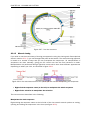
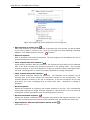
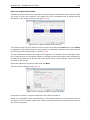
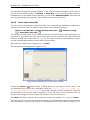
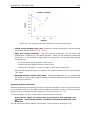
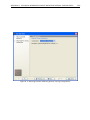
After pressing the Calculate button a dialog will appear (see figure 17.9).
The top and bottom parts of this dialog are identical to the Standard PCR dialog for designing
primer pairs described above.
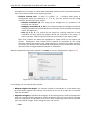
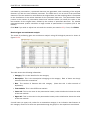
The central part of the dialog contains parameters pertaining to primer pairs and the comparison
between the outer and the inner pair. Here five options can be set:
• Maximum percentage point difference in G/C content (described above under Standard
PCR) - this criteria is applied to both primer pairs independently.