1
VB7007 User Manual
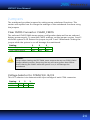
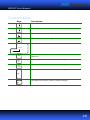
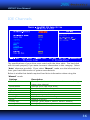
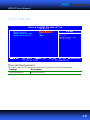
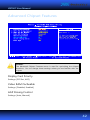
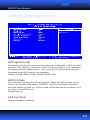
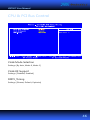
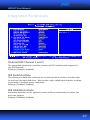
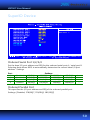
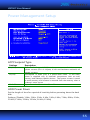
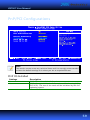
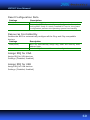
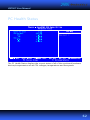
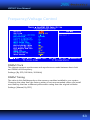
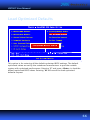
Reset Configuration Data
Settings
Description
Disabled
Enabled
Default setting
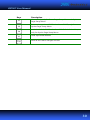
Resets the ESCD (Extended System Configuration Data) after
exiting BIOS Setup if a newly installed PCI card or the system
configuration prevents the operating system from loading
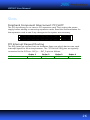
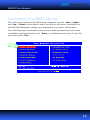
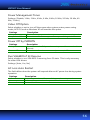
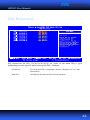
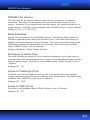
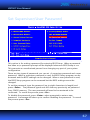
Resources Controlled By
Enables the BIOS to automatically configure all the Plug-and-Play compatible
devices.
Settings
Description
Auto(ESCD)
BIOS will automatically assign IRQ, DMA and memory base
address fields
Unlocks “IRQ Resources” for manual configuration
Manual
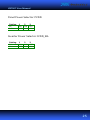
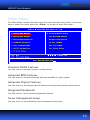
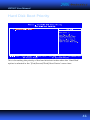
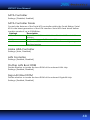
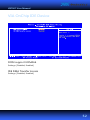
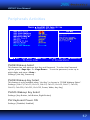
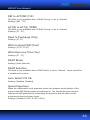
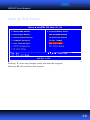
Assign IRQ for VGA
Assign IRQ for VGA devices.
Settings: [Disabled, Enabled]
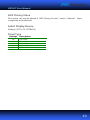
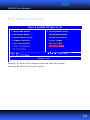
Assign IRQ for USB
Assign IRQ for USB devices.
Settings: [Disabled, Enabled]
60