1
R&S®UPP
Remote Control - Fundamentals
SCPI Command Structure and Syntax
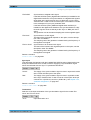
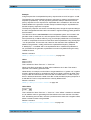
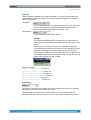
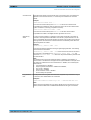
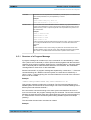
Parameter:
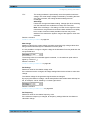
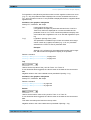
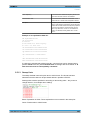
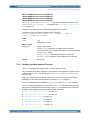
Parameters must be separated from the header by a "white space". If a command contains several parameters, they are separated by a comma.
Example:
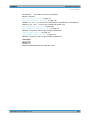
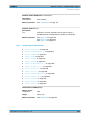
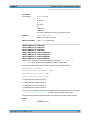
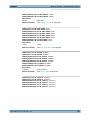
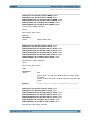
OUTPut:SAMPle:FREQuency 48000 HZ
TRACe:SWE:STORe:AX 1.1,1.2,1.3,1.4
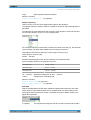
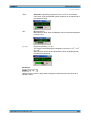
Numeric suffix:
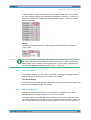
If an instrument has several identical functions or features, e.g. inputs, the desired
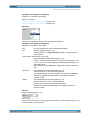
function can be selected by a suffix to the command. Entries without a suffix are interpreted as having a suffix 1. Optional keywords must be specified if they select a function with the suffix.
Example:
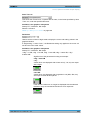
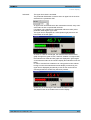
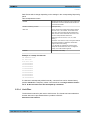
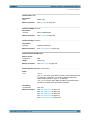
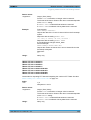
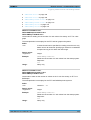
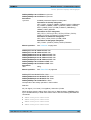
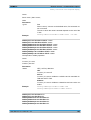
SENSe[1]:FUNCtion RMS
SENSe2:FUNCtion IPE
SENSe6:FUNCtion LRMS
SENSe7:FUNCtion ON
These commands activate the measurement functions Function, Input and Level Monitor. The keyword SENSe and the numeric suffixes 2 and 6 must be entered in the
command.
Note:
In case of remote control, suffix counting may differ from the numbers of the corresponding selection used in manual control. SCPI prescribes that suffix counting starts
with 1. Suffix 1 is the default state and used when no specific suffix is stated.
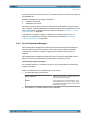
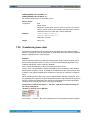
6.5.1 Structure of a Program Message
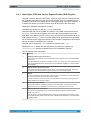
A program message can contain one or more commands. It is terminated by a <New
Line> (ASCII code 10 decimal) or <EOI> (EOI line active) together with the last useful
character of the program message. Seeing as the <Carriage Return> character (ASCII
code 13 decimal) has no effect as a filler before the end character, the combination
<Carriage Return><New Line> is also admissible.
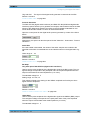
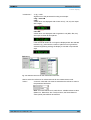
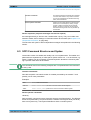
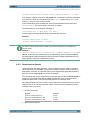
Several commands in a program message are separated by a semicolon ";". If the next
command belongs to a different command system, the semicolon is followed by a
colon. A colon ':' at the beginning of a command marks the root node of the command
tree, but can be omitted.
Example:
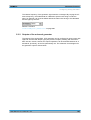
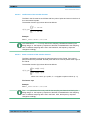
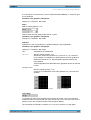
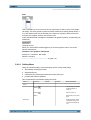
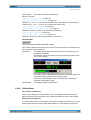
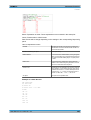
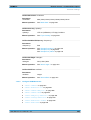
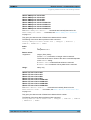
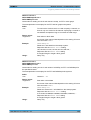
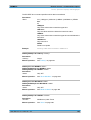
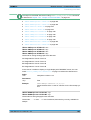
:SENSe:VOLTage:RANGe:MODE FIX;:INPut:MCHannels1 ON
This program message contains two commands. The first command belongs to the
SENSe system and is used to set a fixed range. The second command belongs to the
INPut system and activates channel 1.
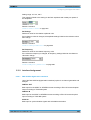
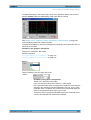
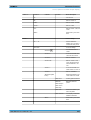
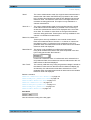
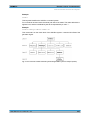
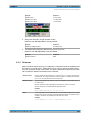
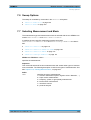
If the successive commands belong to the same system and therefore have one or
more common levels, the program message may be shortened. The second command
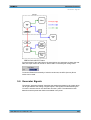
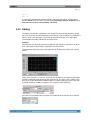
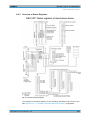
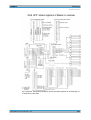
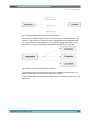
following the semicolon then starts at the level below the common levels (see also Fig.
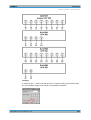
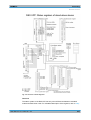
5-1 Tree structure of SCPI command systems taking SOURce system as example
(extract)).
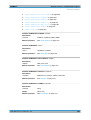
The colon after the semicolon must then be omitted.
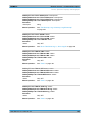
Example:
User Manual 1411.1055.32 ─ 04
623