1
5. Using On-Screen Menu
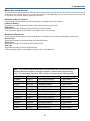
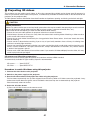
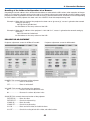
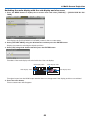
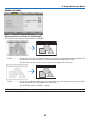
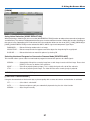
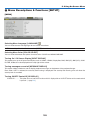
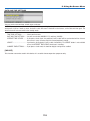
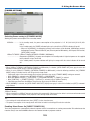
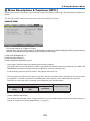
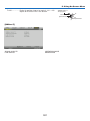
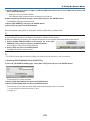
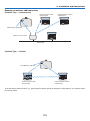
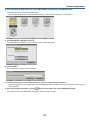
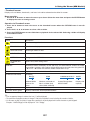
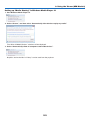
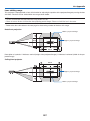
Selecting Aspect Ratio and Position for Screen [SCREEN TYPE]
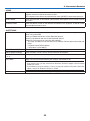
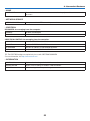
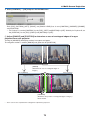
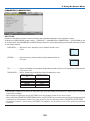
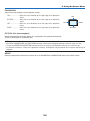
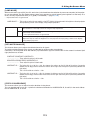
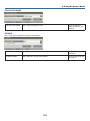
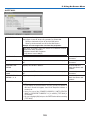
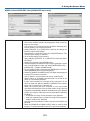
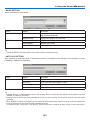
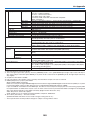
Screen type
Sets the aspect ratio of the projection screen.
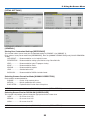
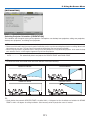
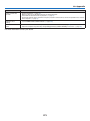
FREE
The ratio of the liquid crystal panel is selected. Select this when projecting
multi-screen and 17:9 screen (2K).
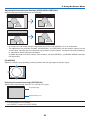
4:3 screen
For a screen with a 4:3 aspect ratio
16:9 screen
For a screen with a 16:9 aspect ratio
16:10 screen
For a screen with a 16:10 aspect ratio
NOTE:
• After changing the screen type, check the setting of [ASPECT RATIO] in the menu. (→ page 95)
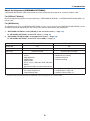
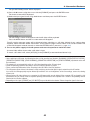
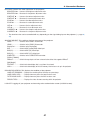
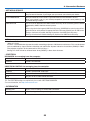
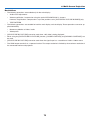
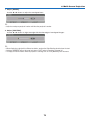
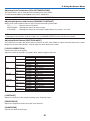
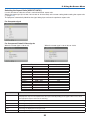
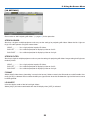
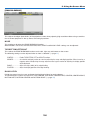
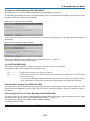
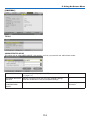
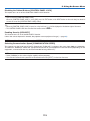
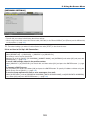
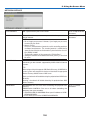
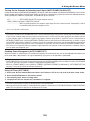
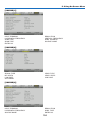
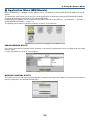
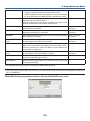
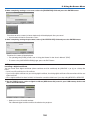
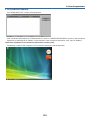
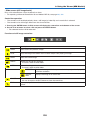
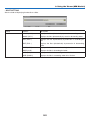
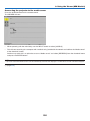
Using the Wall Color Correction [WALL COLOR]
This function allows for quick adaptive color correction in applications where the screen material is not white.
NOTE: Selecting [WHITEBOARD] reduces lamp brightness.
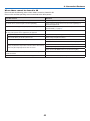
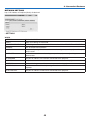
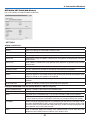
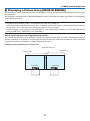
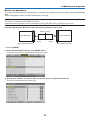
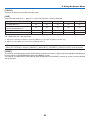
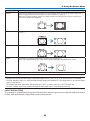
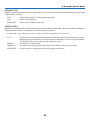
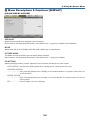
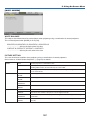
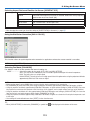
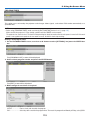
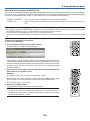
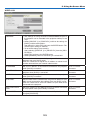
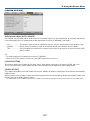
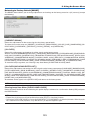
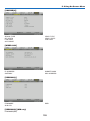
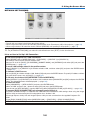
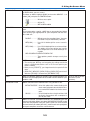
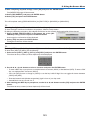
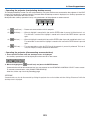
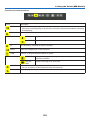
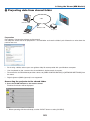
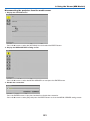
Selecting Fan Mode [FAN MODE]
Fan Mode is used to set the speed of the internal cooling fan.
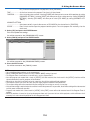
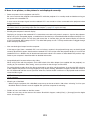
MODE�������������������� Select three modes for fan speed: AUTO, HIGH, and HIGH ALTITUDE.
AUTO: The built-in fans automatically run at a variable speed according to the internal temperature.
HIGH: The built-in fans run at high speed
HIGH ALTITUDE: The built-in fans run at a high speed. Select this option when using the projector at altitudes
approximately 5500 feet/1700 meters or higher.
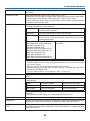
NOTE:
• Make sure the speed is set to [HIGH] when you are using this device continuously for several days.
• Set [FAN MODE] to [HIGH ALTITUDE] when using the projector at altitudes approximately 5500 feet/1700 meters or higher.
• Using the projector at altitudes approximately 5500 feet/1700 meters or higher without setting to [HIGH ALTITUDE] can cause
the projector to overheat and the protector could shut down. If this happens, wait a couple minutes and turn on the projector.
• Using the projector at altitudes less than approximately 5500 feet/1700 meters and setting to [HIGH ALTITUDE] can cause the
lamp to overcool, causing the image to flicker. Switch [FAN MODE] to [AUTO].
• Using the projector at altitudes approximately 5500 feet/1700 meters or higher can shorten the life of optical components such
as the lamp.
• Your setting will not be affected even when [RESET] is done from the menu.
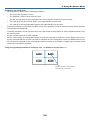
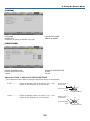
TIP:
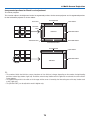
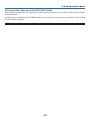
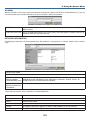
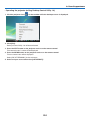
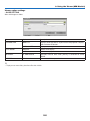
• When [HIGH ALTITUDE] is selected for [FAN MODE], a symbol icon
112
will be displayed at the bottom of the menu.