1
6. Installation and Connections
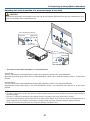
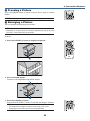
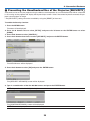
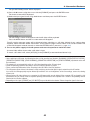
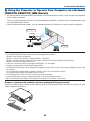
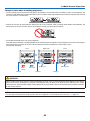
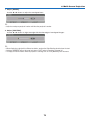
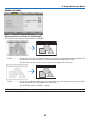
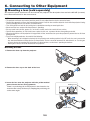
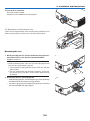
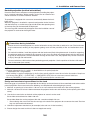
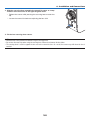
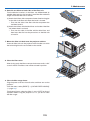
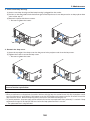
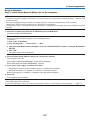
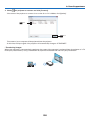
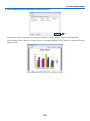
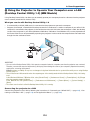
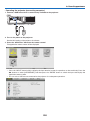
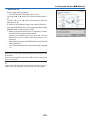
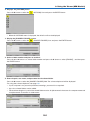
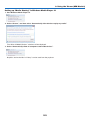
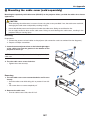
4. Turn the lens clockwise.
Turn until a click is heard.
The lens is now fastened onto the projector.
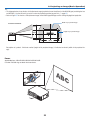
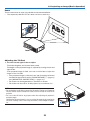
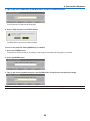
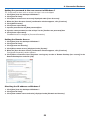
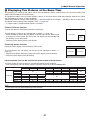
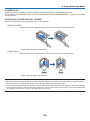
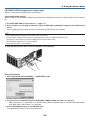
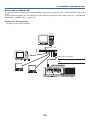
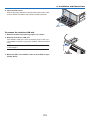
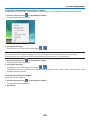
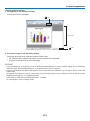
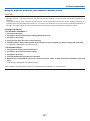
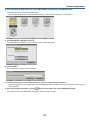
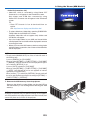
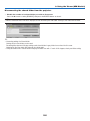
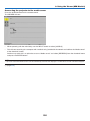
TIP: Mounting the lens theft prevention screw
Fasten the lens theft prevention screw included with the projector to the
bottom of the projector so that the lens cannot be removed easily.
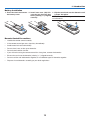
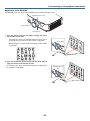
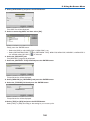
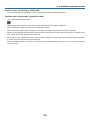
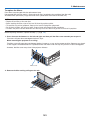
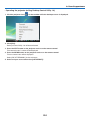
Removing the lens
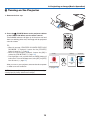
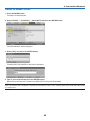
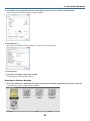
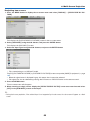
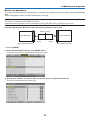
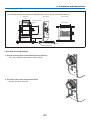
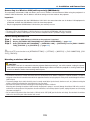
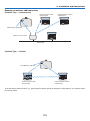
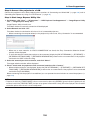
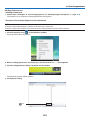
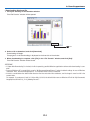
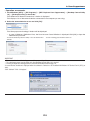
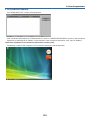
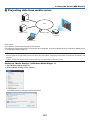
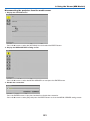
1. While pressing the lens release button on the projector’s
front panel fully in, turn the lens counterclockwise.
The lens comes off.
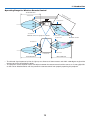
NOTE:
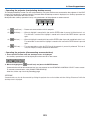
• Check the following areas if the lens unit cannot be removed even
when the lens release button is pressed.
1.Check whether the theft prevention screws of the lens unit have
been installed.
2.The lens release button may be locked sometimes. In that case,
turn the lens fully to the right. The lens release button lock will
be released.
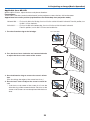
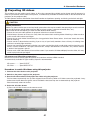
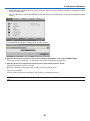
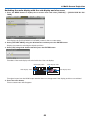
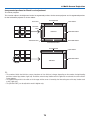
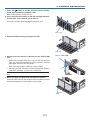
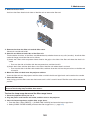
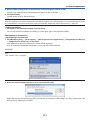
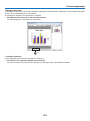
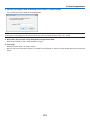
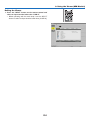
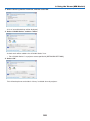
2. Slowly pull the lens off the projector.
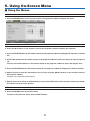
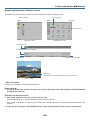
• After removing the lens, mount the lens caps (front and back)
included with the lens before storing the lens.
• If no lens is going to be mounted on the projector, mount the
dust cap included with the projector.
156