1
5. Using On-Screen Menu
❾ Application Menu (MM Models)
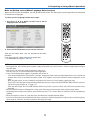
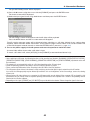
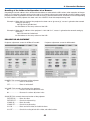
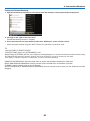
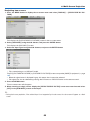
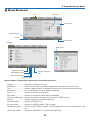
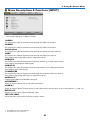
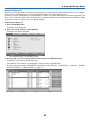
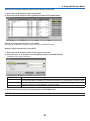
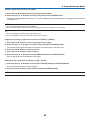
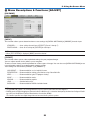
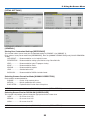
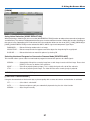
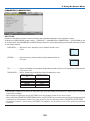
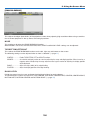
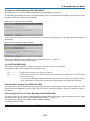
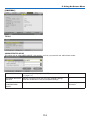
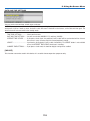
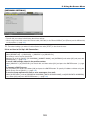
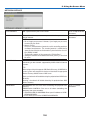
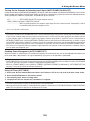
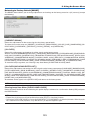
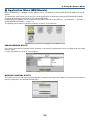
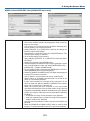
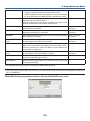
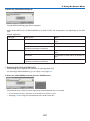
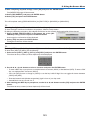
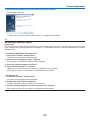
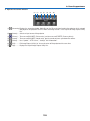
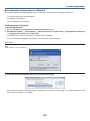
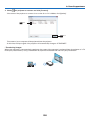
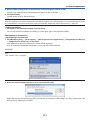
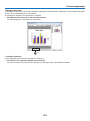
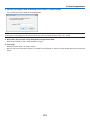
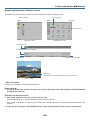
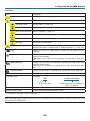
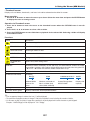
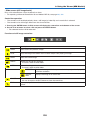
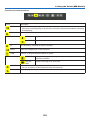
When [ETHERNET] is selected from the [INPUT] menu, the application menu [APPLICATION MENU] will be displayed.
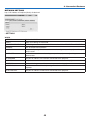
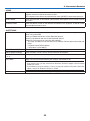
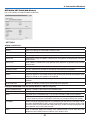
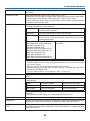
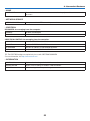
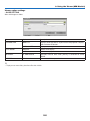
The application menu allows you to set up the User Supportware and Network Settings (NETWORK SETTINGS).
The User Supportware is contained on the suppliedCD-ROM.
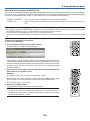
[ADVANCED] and [BASIC] can be selected in the [MENU MODE] under [SETUP] → [CONTROL] → [TOOLS] →
[ADMINISTRATOR MODE]. (→ page 114)
The [BASIC] menu contains minimum essentials of menus and commands.
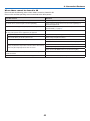
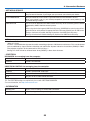
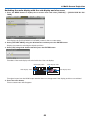
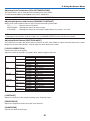
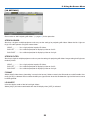
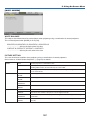
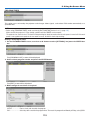
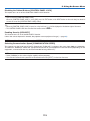
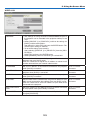
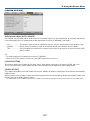
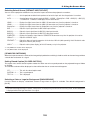
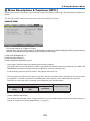
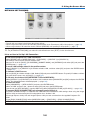
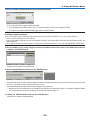
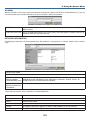
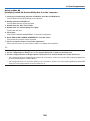
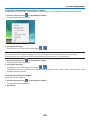
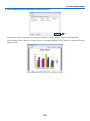
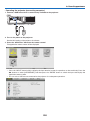
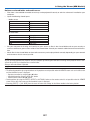
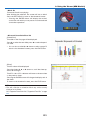
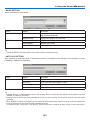
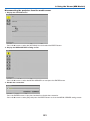
IMAGE EXPRESS UTILITY
This shows information for projector name, resolution, and network (wired/wireless) which are required to use Image
Express Utility.
Use this information to set up for your computer.
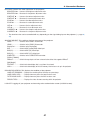
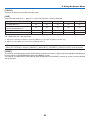
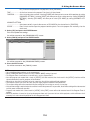
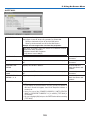
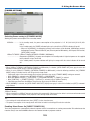
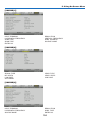
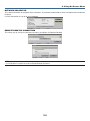
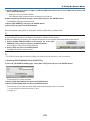
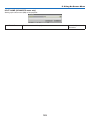
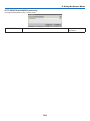
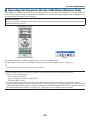
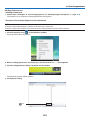
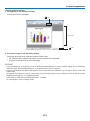
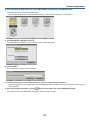
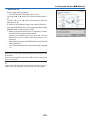
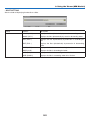
DESKTOP CONTROL UTILITY
This allows you to set up for password entry/deletion, computer searching and IP address on network (wired/wireless)
which are required to use Desktop Control Utility.
138