1
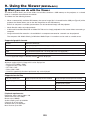
5. Using On-Screen Menu
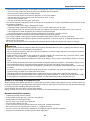
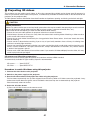
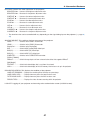
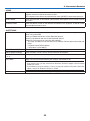
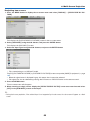
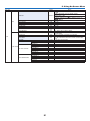
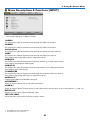
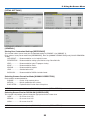
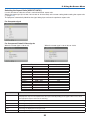
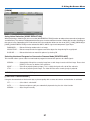
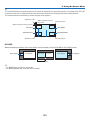
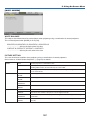
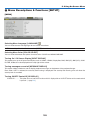
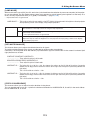
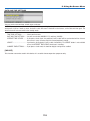
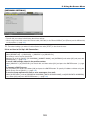
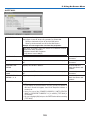
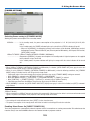
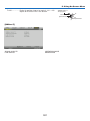
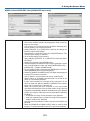
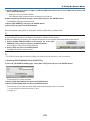
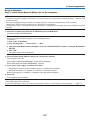
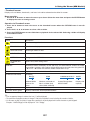
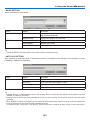
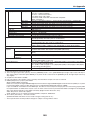
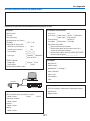
[OTHERS]
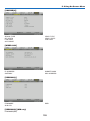
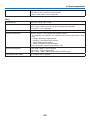
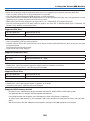
DATE TIME
MODEL NO.
CONTROL ID (when [CONTROL ID] is set)
PROJECTOR NAME
SERIAL NUMBER
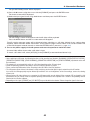
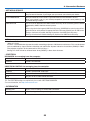
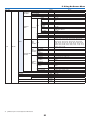
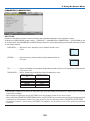
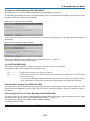
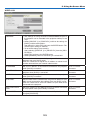
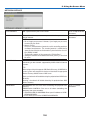
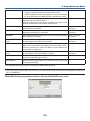
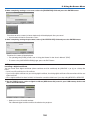
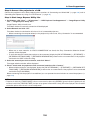
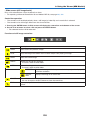
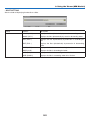
[CONDITIONS]
INTAKE TEMPERATURE
INSTALLATION POSITION
Y-AXIS
EXHAUST TEMPERATURE
X-AXIS
Z-AXIS
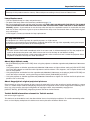
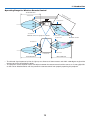
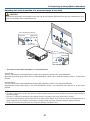
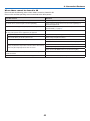
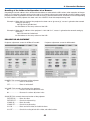
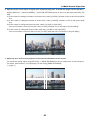
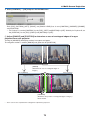
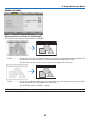
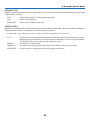
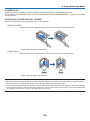
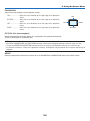
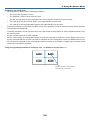
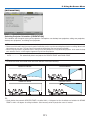
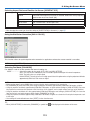
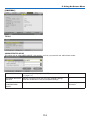
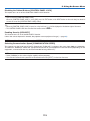
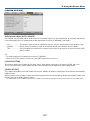
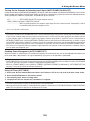
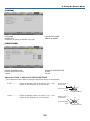
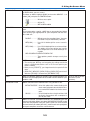
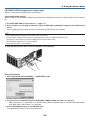
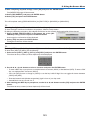
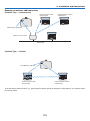
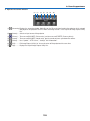
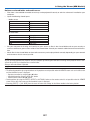
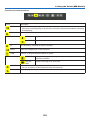
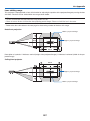
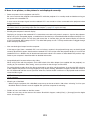
About the X-AXIS, Y-AXIS and Z-AXIS CONDITIONS
* Arrow direction of the Z-AXIS in the figure represents the top of the projector.
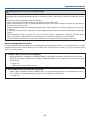
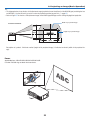
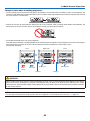
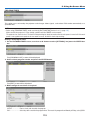
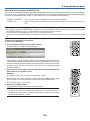
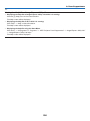
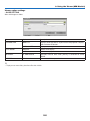
X-AXIS������������������� Display the projector image at an angle of −100 – +100
degrees to the horizontal in the X-axis direction.
X-AXIS value of
the projector
Horizontal plane
X-axis
Gravity direction
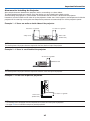
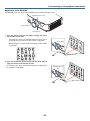
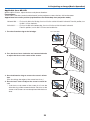
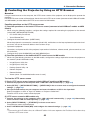
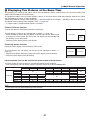
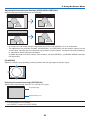
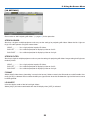
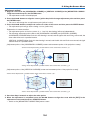
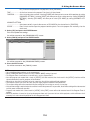
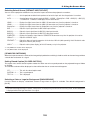
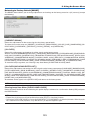
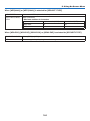
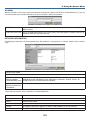
Y-AXIS������������������� Display the projector image at an angle of −100 – +100
degrees to the horizontal in the Y-axis direction.
Y-AXIS value of
the projector
Horizontal plane
Y-axis
136
Gravity direction