1
THE MAILING DESIGNER
12-06-2014
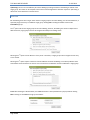
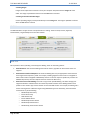
There are 7 different possible Mailings that could be sent. So, one copy of each is sent in Text and HTML
format (or 14 Mailings total). If, however, no subscribers were signed up to receive all three types of
stories, only 12 Mailings total would be sent as part of the test.
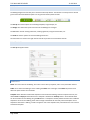
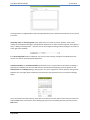
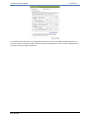
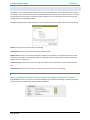
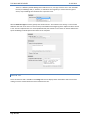
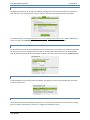
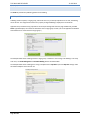
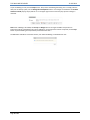
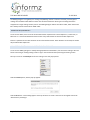
After the Email Test Type is selected, specify who should receive it. This could be a Test Group, or a list of email
addresses with each on its own line. Text can be input and added to the beginning of the subject line when the test
is sent. This lets recipients know it is not the published email, but instead is a test. Notes can also be added to the
top of the Mailing to include special instructions for the recipients.
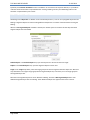
PREVIEW TEST
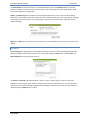
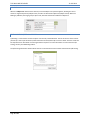
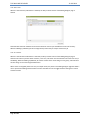
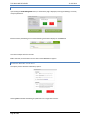
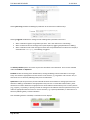
This is the same test that’s available on the Design tab. This test displays either the HTML or Text version of the
mailing on-screen and then allows that to be emailed to the user.
Page 18 of 23