1
THE MAILING DESIGNER
12-06-2014
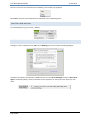
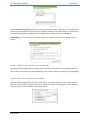
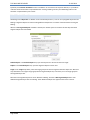
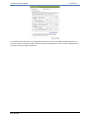
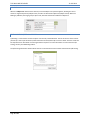
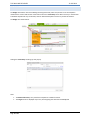
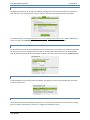
To put the Mailing on hold, click the Stop! button. This prevents the Mailing from being sent. To simply alter the
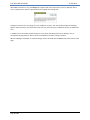
date, time or delivery option, use the Change the Send Options button. If no changes are needed to the Set Date
and Time to Send pop-up, simply click the “X” in the upper right corner to close the pop-up and no change is
recorded.
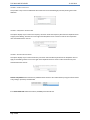
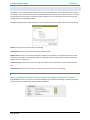
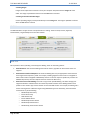
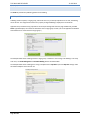
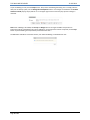
Note: Once a Mailing is scheduled, the Set-Up and Design tabs are no longer available. This prevents an
inadvertent change to the Mailing just prior to publication. If a change to the content is required, use the Stop!
button to put the Mailing on hold, and then proceed with the edits.
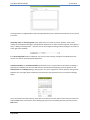
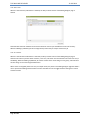
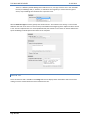
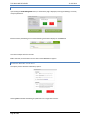
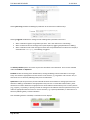
The Test tab is available to review the content, even while the Mailing is scheduled to be sent.
Page 23 of 23