1
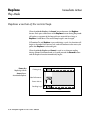
Mix Knob
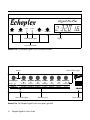
Front Panel
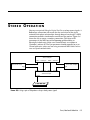
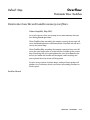
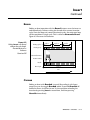
Controls the mix between the input and the loop.
This controls the mix between the input signal and the loop. If you are
using the Echoplex Digital Pro in an effects loop, then you will probably
want to set this so that the input and loop are evenly balanced, or so
that the input is a little louder than the loop (this will facilitate soloing
over the loop). If you are using the Echoplex Digital Pro in conjunction
with a mixer, so that you can hear the input signal whether or not the
Echoplex is on, then set the Mix control all the way clockwise to “Loop.”
Reference - User Interface 9-19