1
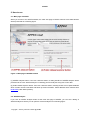
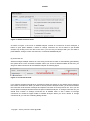
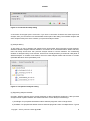
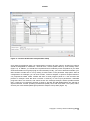
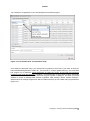
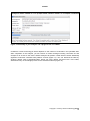
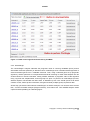
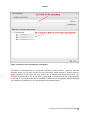
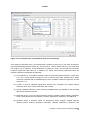
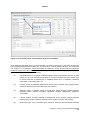
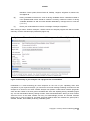
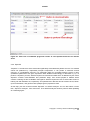
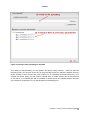
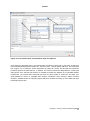
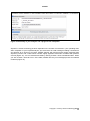
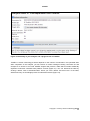
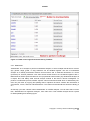
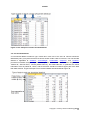
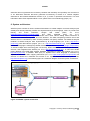
APPEX 2. How to use 2.1. Main page of APPEX When you access to the APPEX website, the main web page of APPEX with two executable buttons will be presented as a following figure: Figure 1. Main page of APPEX website (1) APPEX analyzer button: If the user clicks this button, a dialog interface of APPEX analyzer will be presented to the user. APPEX analyzer is a starting point for analyses using user’s own data. (2) Public dataset explorer button: If the user clicks this button, a dialog shows a list of public datasets which contain numeric intensities and follow-up time information. Public datasets were collected from NCBI GEO public data repository. 2.2. APPEX analyzer If you click an APPEX analyzer button at the main web page of APPEX, you can see a dialog of APPEX analyzer at which you can perform survival analyses as a following figure: Copyright 2015 by Genome Institute @ KRIBB 5