1
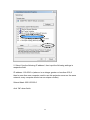
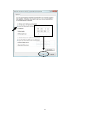
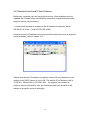
respective field:
IP address: 169.254.0.x (where x is an integer greater or less than 200, if
there’s more than one computer need to use this projector server on the same
network, every computer should use an unique number)
Subnet Mask: 255.255.255.0
click ‘OK’ when finish.
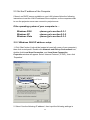
2-3-2 Windows XP IP address setup:
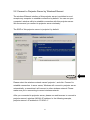
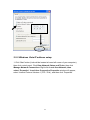
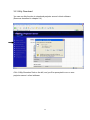
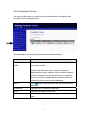
1. Click ‘Start’ button (it should be located at lower-left corner of your computer),
then click control panel. Double-click Network and Internet Connections icon,
click Network Connections, and then double-click Local Area Connection,
Local Area Connection Status window will appear, and then click ‘Properties’
23