1
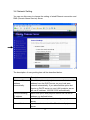
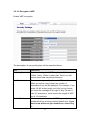
3-5-3-1 Encryption: Disabled
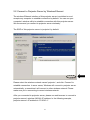
When encryption setting is disabled, projector server’s wireless interface uses
no protection against wireless users who attempted to connect to it. It is
convenient for meeting room’s visitors; however, every one will be able to
connect to projector server unless you enabled 802.1x authentication.
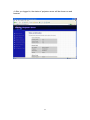
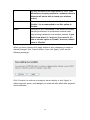
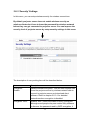
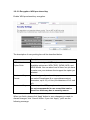
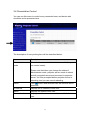
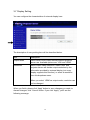
The description of every setting item will be described below:
Item
Description
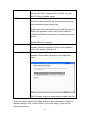
Enable 802.1x
Authentication
Check this box to enable 802.1x authentication.
RADIUS Server IP
address
Please input the IP address of RADIUS authentication
server here.
RADIUS Server
Port
Please input the port number of radius server here.
RADIUS Server
Password
Please input the password of radius server here.
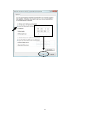
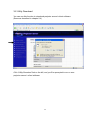
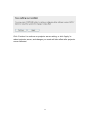
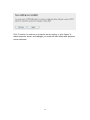
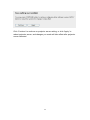
When you finish, please click ‘Apply’ button to save changes you made; to
discard changes, click ‘Cancel’ button. If you click ‘Apply’, you’ll see the
following message:
61