1
3-6 Presentation Control
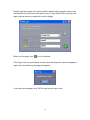
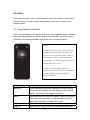
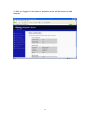
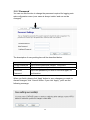
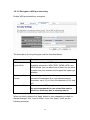
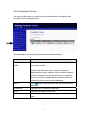
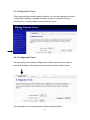
You can use this menu to control every connected user, and device who
should be active presenter here.
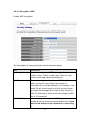
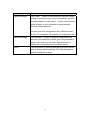
The description of every setting item will be described below:
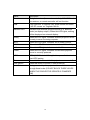
Item
Description
Administrator
mode
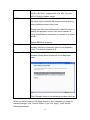
Check this box to enter ‘Administrator mode’ (i.e. you
can control users).
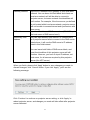
Please note that when you change the status of
Administrator mode, projector server needs to reboot
and all connected users must reconnect to projector
server. You’ll be prompted before projector server is
rebooting, and you can cancel rebooting.
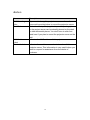
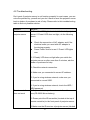
Action
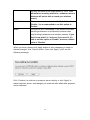
Click
button and selected user will become active
presenter.
IP Address
Displays the IP address of this user.
Status
Displays the status of this user.
Connection time
Displays total time since connection established of this
user.
71