1
DLX
User Manual
Page 13 of 76
Bär Industrie-Elektronik GmbH / Lange Straße 87 / D-90762 Fürth / Phone +49 911 970590⋅Fax +49 911 9705950
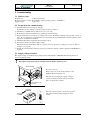
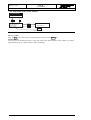
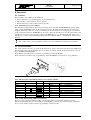
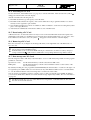
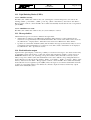
3.4.1 Program protection switch
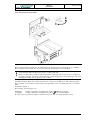
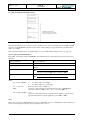
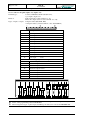
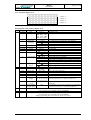
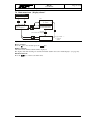
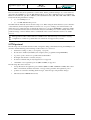
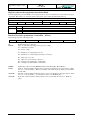
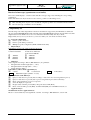
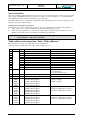
Figure 4, Program protection switch
Before transferring any parameters to the DLX unit, the program protection switch must be set to “Enable”.
The program protection switch is located on the underside of the display board of the DLX.
!
Disconnect the supply voltage to the DLX before opening the enclosure. Otherwise an accidental pull
on the flat band cable can destroy the memory content of the unit.
Always touch first the grounded (earthed) metal frame of the unit with one hand to force equalization
of voltage potentials. Avoid any contact with other possibly charged parts of the data logger unit when
changing the setting of the program protection switch.
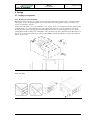
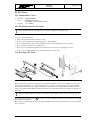
Housing for panel mounting: to achieve access to this switch, the front panel of the unit must be unscrewed
and flipped upwards. Please note that the front panel is connected to the CPU board with a flat band cable.
The program protection switch is located in the lower right hand corner of the DLX and can be operated by
hand.
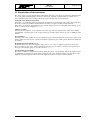
19” rack: see Figure 4
The meaning of the inscriptions are:
Set Enable:
Setting of parameters is permitted, the symbol " " blinks in the display.
Set Disable:
Setting of parameters is disabled, the symbol " " is shown in the display.
To refuse access to parameter settings to unauthorized persons, the front panel should be sealed.