1
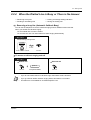
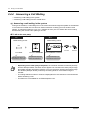
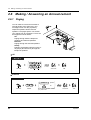
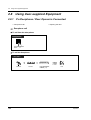
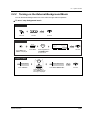
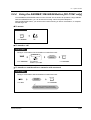
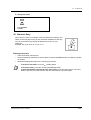
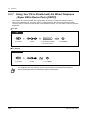
2.8 Using User-supplied Equipment
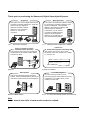
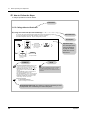
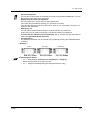
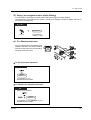
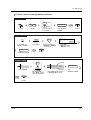
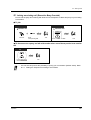
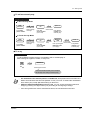
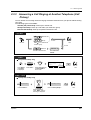
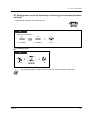
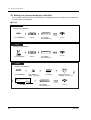
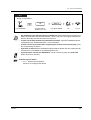
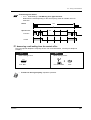
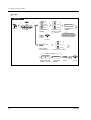
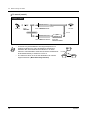
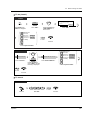
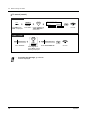
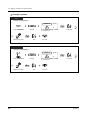
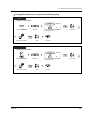
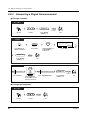
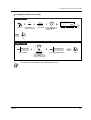
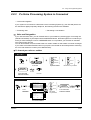
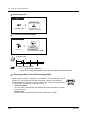
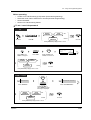
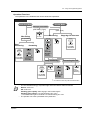
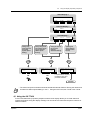
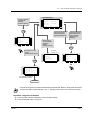
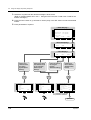
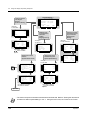
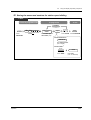
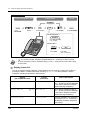
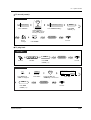
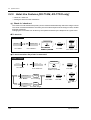
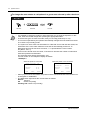
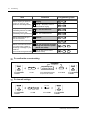
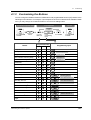
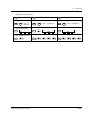
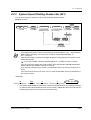
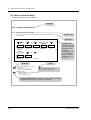
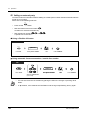
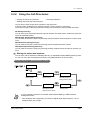
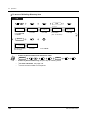
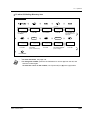
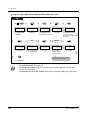
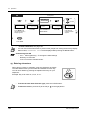
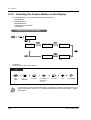
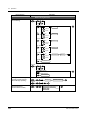
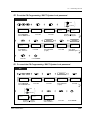
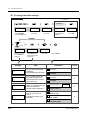
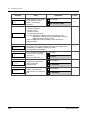
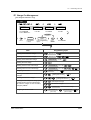
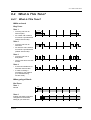
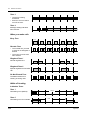
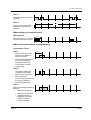
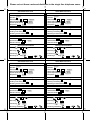
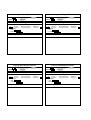
Operation Flowchart
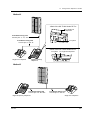
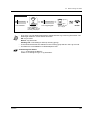
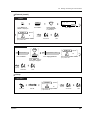
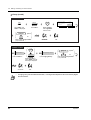
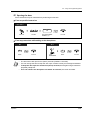
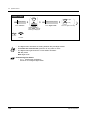
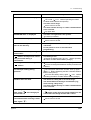
The operations in the shaded areas can be hands-free operations.
PT
Hands-free Mode
Private Mode
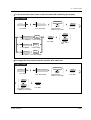
During a conversation
(Call Waiting Tone)
(Alert Tone)
*1
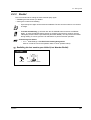
Monitoring
Monitoring
On-hook.
No operation
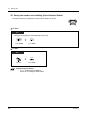
Stopping the alert tone
SP-PHONE
FLASH
OR
OR
MONITOR
Stop
monitoring
Off-hook.
(LCS Cancel)
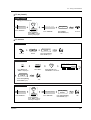
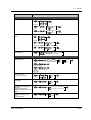
Answering
OR
Press FLASH
or LCS Cancel.
(Live Call
Screening)
FLASH
(Live Call
Screening)
OR
OR
SP-PHONE
Press
SP-PHONE,
MONITOR or
Live Call
Screening.
Off-hook.
(LCS Cancel)
Press FLASH
or LCS Cancel.
Press Live Call
Screening or
SP-PHONE.
Stop monitoring
FLASH
OR
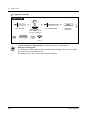
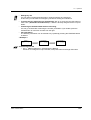
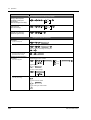
Answering the call
(Live Call
Screening)
On-hook.
OR
(Live Call
Screening)
Off-hook.
SP-PHONE
(LCS Cancel)
Press FLASH
or LCS Cancel.
Press
Live Call
Screening.
Press Live Call
Screening or
SP-PHONE.
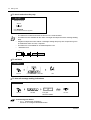
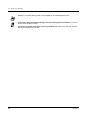
*1 To hold the current call, press the HOLD button.
•
•
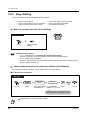
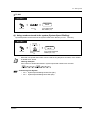
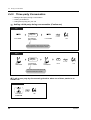
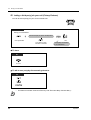
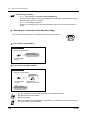
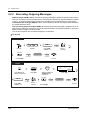
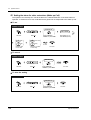
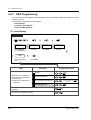
Operation
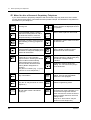
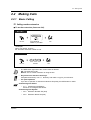
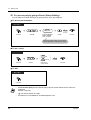
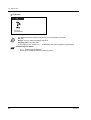
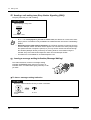
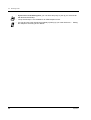
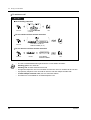
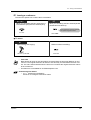
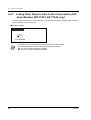
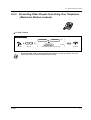
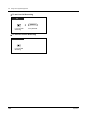
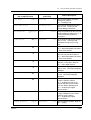
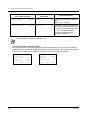
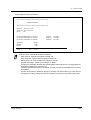
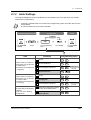
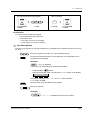
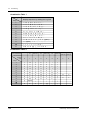
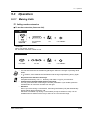
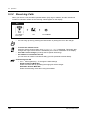
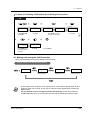
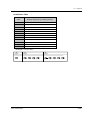
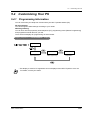
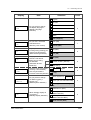
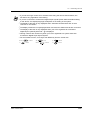
The Live Call Screening (LCS) button light shows the feature status as follows:
Red on: LCS is on.
Off: LCS is off.
Flashing green rapidly: Alert ringing in the Private mode*2
Flashing green slowly: Live Call Screening is in use.*2
*2 The DSS button light is red while Live Call Screening is in use.
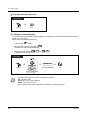
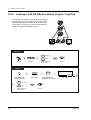
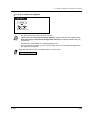
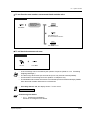
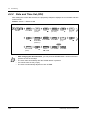
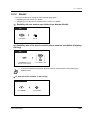
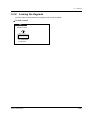
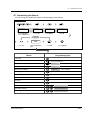
The operator can clear a password at any extension.
107