1
2.4 During a Conversation
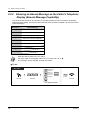
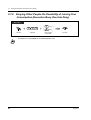
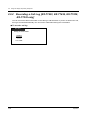
2.4.4 Answering a Call Waiting
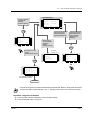
— Answering a call waiting in the system
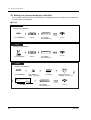
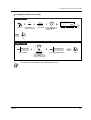
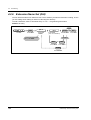
— Answering a call waiting from the central office
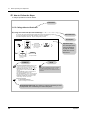
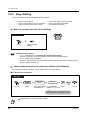
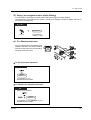
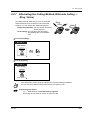
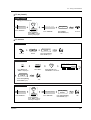
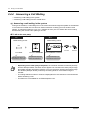
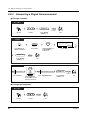
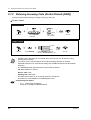
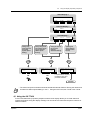
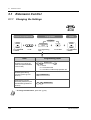
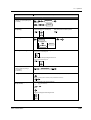
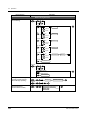
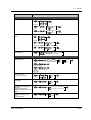
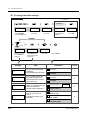
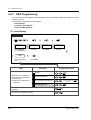
Answering a call waiting in the system
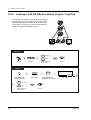
During a conversation, a call waiting tone or voice announcement through the speaker or the handset
occurs when an outside call is received or another extension is letting you know another call is
waiting. To activate this feature, set to "On." (Default: No tone) You can answer the second call by
disconnecting the current call or placing it on hold.
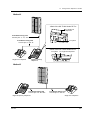
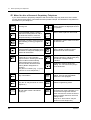
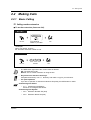
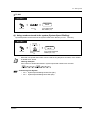
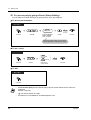
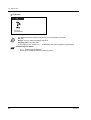
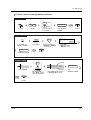
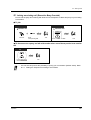
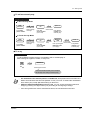
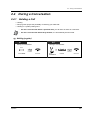
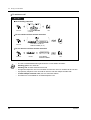
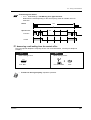
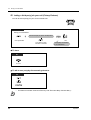
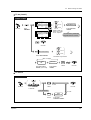
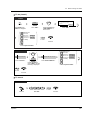
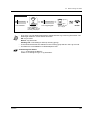
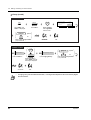
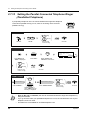
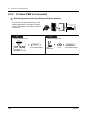
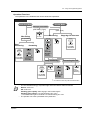
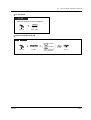
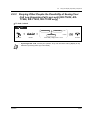
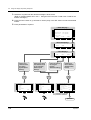
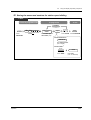
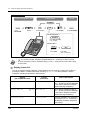
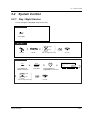
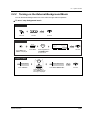
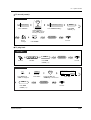
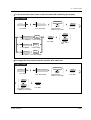
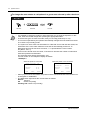
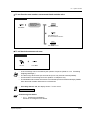
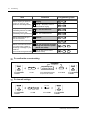
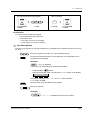
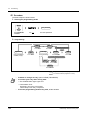
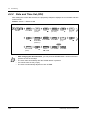
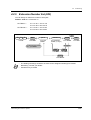
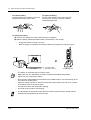
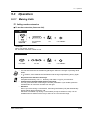
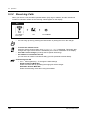
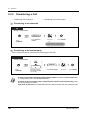
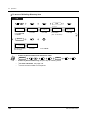
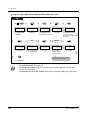
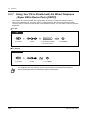
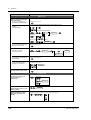
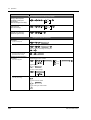
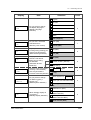
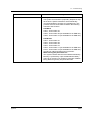
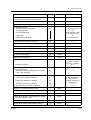
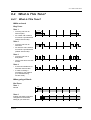
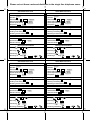
To talk to the new party
PT
SLT
While hearing a tone
While hearing a tone
(CO)
HOLD
OR
5
0
INTERCOM
On-hook.
Press HOLD.
Disregard this step if you
terminate the current call.
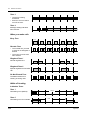
•
•
•
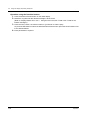
62
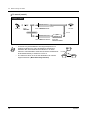
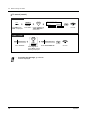
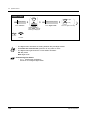
Press CO or INTERCOM.
Disregard this step if both
parties are extensions.
Off-hook.
Press hookswitch and dial 50.
Disregard this step if you
terminate the current call.
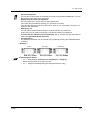
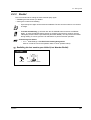
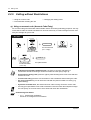
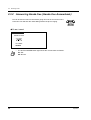
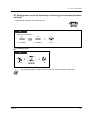
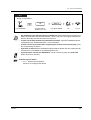
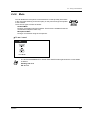
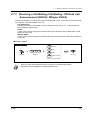
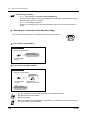
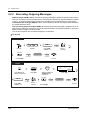
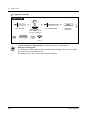
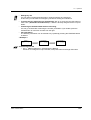
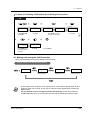
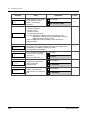
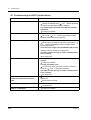
Depending on the other party's telephone, the "Off-Hook Call Announcement (OHCA)"
and the "Whisper OHCA" functions can be applied. You can talk to the other party through
the speaker and the microphone (OHCA) or you only receive a call announcement through
the handset (Whisper OHCA), while they are having another conversation using the
handset.
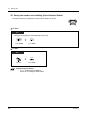
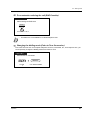
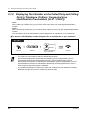
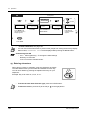
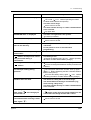
The calling extension's name or number is displayed for five seconds in ten second intervals
before answering a call.
This feature is not available for an ISDN telephone user.
Operation