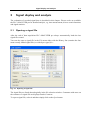
1
Data acquisition
4-17
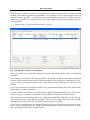
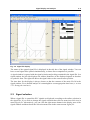
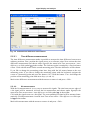
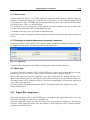
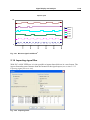
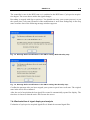
Communications trouble also causes the signal color to change to gray. In this case
the current values are not displayed.
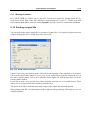
The name of a signal file is dependent on the time of the first recorded PLC signal entry. The
name is made up of day, month, year, hour, minute, and second, plus extension ".SPS ", e.g.
45
2005-04-21 12.45.00.SPS (created on 21 April 2005 at 12. ).
Acquisition is terminated by selecting the menu item Project - Stop acquisition or by the symbol
in the icon toolbar.
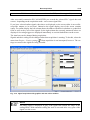
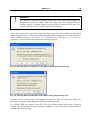
After ending acquisition the last signal file created is automatically opened. The time base is
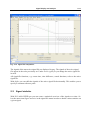
automatically chosen so that the entire recorded signal is visible in the online window.