1
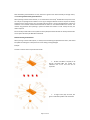
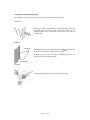
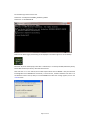
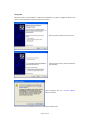
To remove an analogue channel mapping, follow the steps above, but select <No Mappping> from the
<Channel No.> list box.
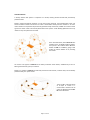
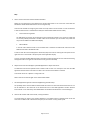
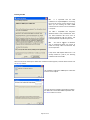
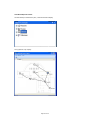
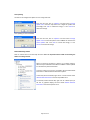
Viewing Device Properties
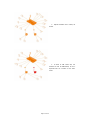
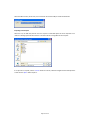
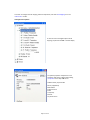
To view the current analoguee output channel
ver in the text display.
mappings, expand the receive
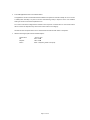
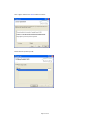
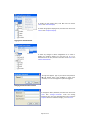
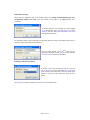
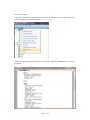
The specific properties of anny device can be
viewed by right‐clicking a deevice and selecting
<Properties> in the drop‐dow
wn menu.
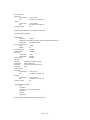
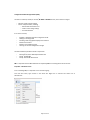
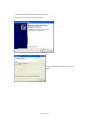
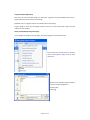
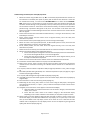
Available router properties aare:
Parent (if applicable)
MAC address
Software version
Status
Link Quality
Runtime
Any active alarms
Page 31 of 45