1
Adding Devices To The Map Display
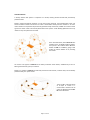
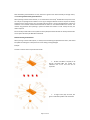
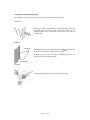
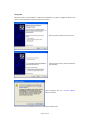
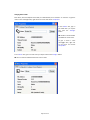
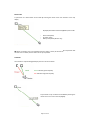
To add a device to the map display, simply “drag‐and‐drop” a device from the text hieerarchical display onto
the graphic background.
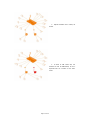
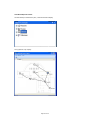
Add the receiver to the graphic first, then routers followed by battery powereed nodes. Links are
automatically generated, showing the true network architecture.
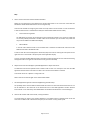
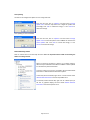
Different icons are used to depict the receiver, routers and battery powered node, making identification
easy. The icons also depict the status of the device, and change to reflect whether a device is OK, off‐line, or
in alarm.
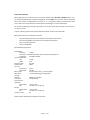
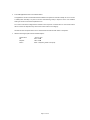
Icon Plan
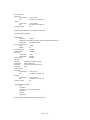
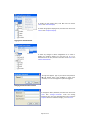
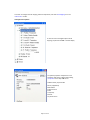
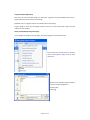
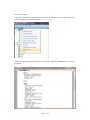
A schedule of what each icon and icon colour can be quickly found from the menu bar r, click on <Help> and
then select <Icons> from the drop‐down menu.
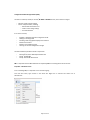
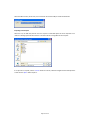
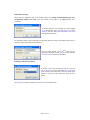
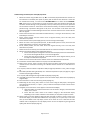
The following pop‐up window is displayed:
Page 36 of 45