1
Installing the CMS
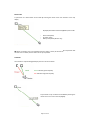
NB
It is importannt that the CMS
installation be completedd prior to connecting
the PC to the receiver. Ensure that the PC on
which you are installing the CMS is NOT
connected to the receiverr until the installation
is complete.
®
The CMS is compatibble with Microsoft
®
Windows XP SP2 or later, and Microsoft Vista.
The CMS installation CCD comes with all
required programme filees and drivers, and
includes Microsoft® SQL Seerver Express SP2.
NB
You must be loggged in to Windows
with an administrator leevel user account to
®
®
install the Sontay CMS and Microsoft SQL
Server Express SP2.
If SQL Server 2005 Expreess Edition SP2 is not
already installed on youur PC, the following
installation will be executeed.
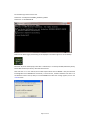
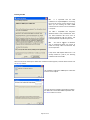
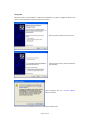
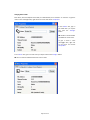
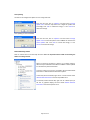
When the SQL Server 2005 Express Edition SP2 installation window appears, read thee EULA and then click
the <Accept> button.
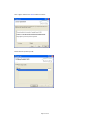
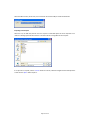
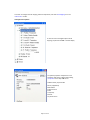
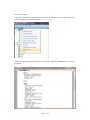
The installation of SQL Server 20005 Express Edition SP2
continues until complete.
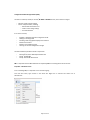
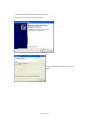
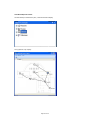
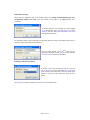
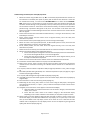
The next step in the installation prrocedure will display
the “Welcome to the SonNet CMSS Setup Wizard. Click
the <Next> button to continue.
Page 20 of 45