1
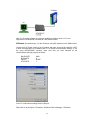
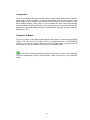
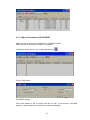
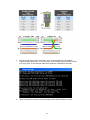
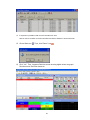
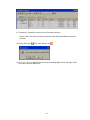
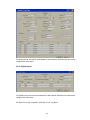
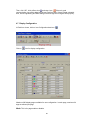
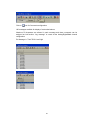
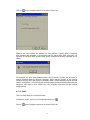
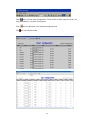
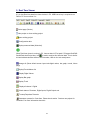
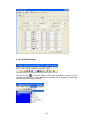
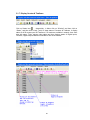
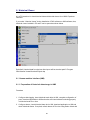
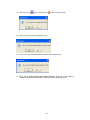
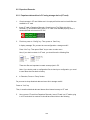
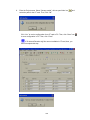
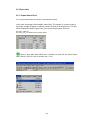
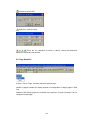
Click on
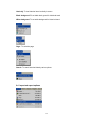
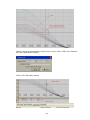
icon for search by specific time, alternatively, in Menu, click on “Search” and
then Select “By Time”.
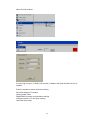
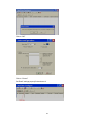
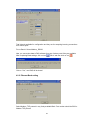
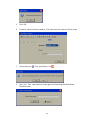
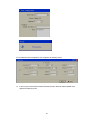
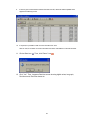
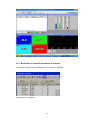
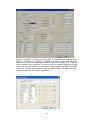
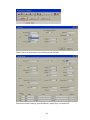
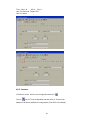
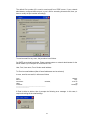
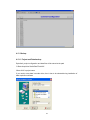
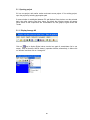
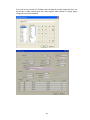
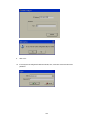
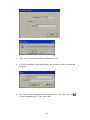
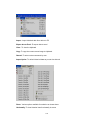
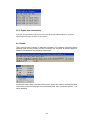
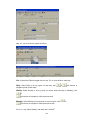
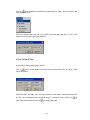
Enter the required date and time of the data to be searched and click on “OK”, then
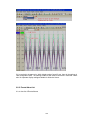
pointer in trend will go to specified date/time.
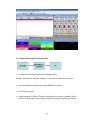
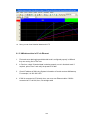
6.10.2 Period of Time
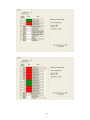
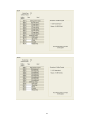
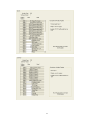
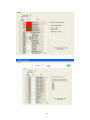
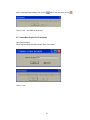
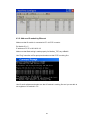
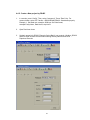
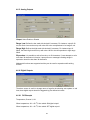
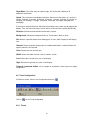
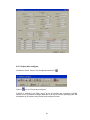
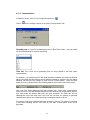
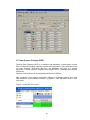
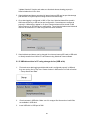
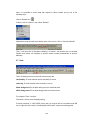
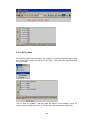
It is to search data specifying time interval
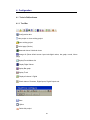
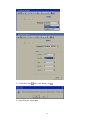
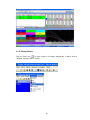
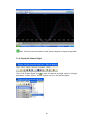
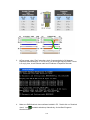
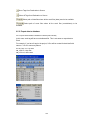
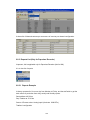
icon to search data by a period of time, alternatively, click on “Menu”, then
Click on
select “By period”.
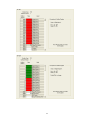
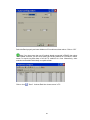
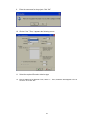
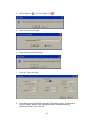
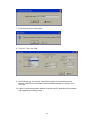
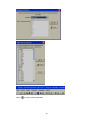
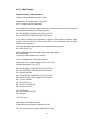
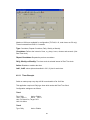
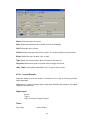
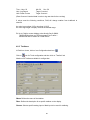
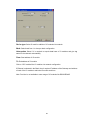
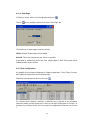
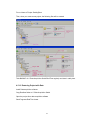
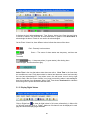
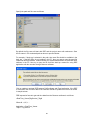
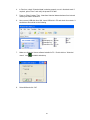
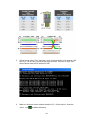
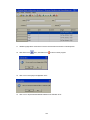
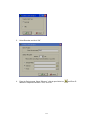
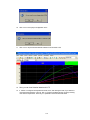
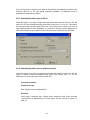
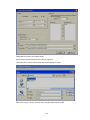
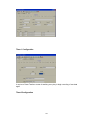
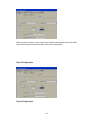
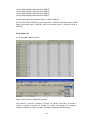
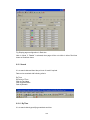
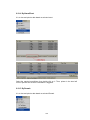
Enter Start date, end date, start time and end time for the data to be searched and click
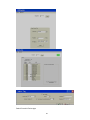
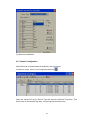
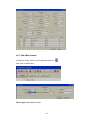
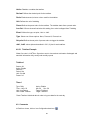
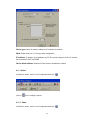
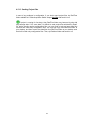
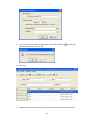
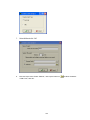
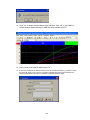
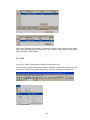
on “OK”, then it displays trend in specified range. To take print, click on Print icon
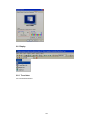
open Print viewer and then click on
for printing the trend
137
to