1
Switching Video
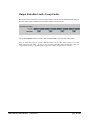
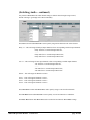
The next section of the Switch menu contains controls for switching the Video signal.
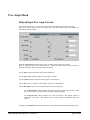
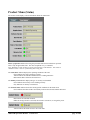
Use the Switch Select drop-down control to assign a switch to the video path.
None
Switch 1
Switch 2
Both
= Video switching is disabled.
= Video controlled by Switch 1.
= Video controlled by Switch 2.
= Video controlled by both
Switch 1 and Switch 2.
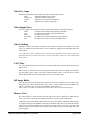
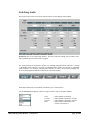
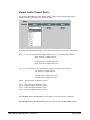
Use the Video Source for Switch drop-down control to select a ―safe‖ source when switching the
video. The selected signal will become the video output when a video switch in engaged.
Delay
Aux
Black
Test Pattern
= Delayed Video input.
= Aux Video input.
= Black Video (0 IRE).
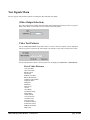
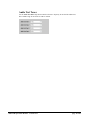
= defined by Video Test Pattern control
(see Test Signals menu).
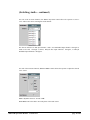
Freeze FRM = Full Frame Freeze of the output video
while the switch is active.
Freeze FLD = Field mode Freeze of the output video
while the switch is active.
Still # FRM = Display Full Frame Still image
(see Stills menu).
Still # FLD
= Display Field mode Still image
(see Stills menu).
Note: Only the active portion of video is switched when engaged. All ancillary data from the main
program (Closed Captions, Time Code, etc) will remain undisturbed.
5000-AVD Operations Manual – Version 2.0.0
page 22 of 48