1
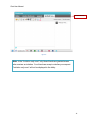
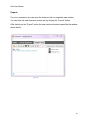
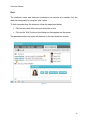
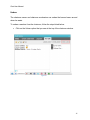
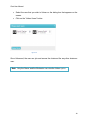
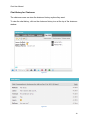
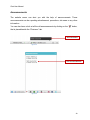
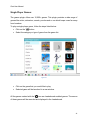
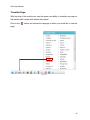
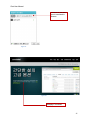
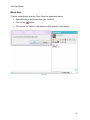
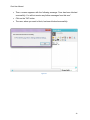
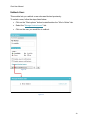
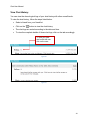
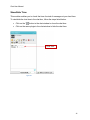
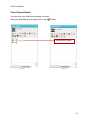
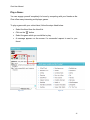
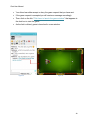
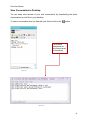
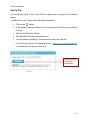
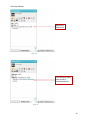
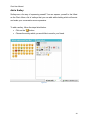
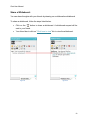
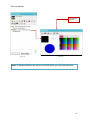
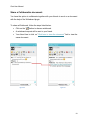
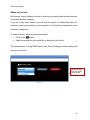
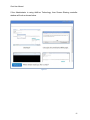
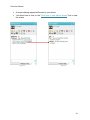
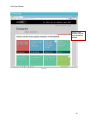
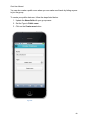
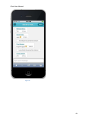
Chat User Manual Send a File: You can quickly send a file to your friend at great ease by using the file transfer facility. To send a file to your friend, follow the steps listed below: Click on the “ ” button. A new window will open where you have to select the file which you would like to send. Click on the “Send file” button. The selected file will be automatically sent You will receive a message: “has successfully sent a file (abc.txt)”. Your friend will receive a message and a link “Click here to download the file” to download the file that you have sent. Click this button to send the selected file Figure 49 42