1
CLICK Pro User Manual
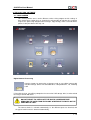
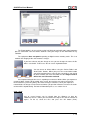
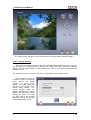
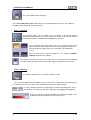
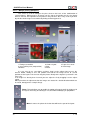
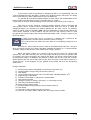
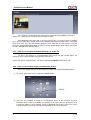
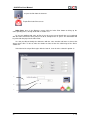
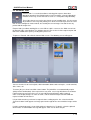
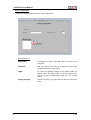
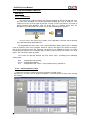
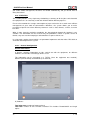
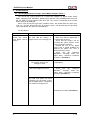
Select Basic or Advanced Colour Correction option
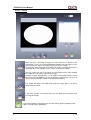
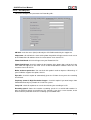
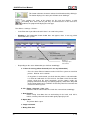
Now press “Setup...” button in Detected Printers List.
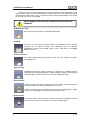
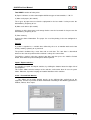
Each printer of the same kind has its own colour adjustment curve and printer settings
(sharpness, mode and gamma).
4.11.6.1 – Basic Colour Adjustments
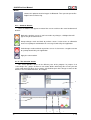
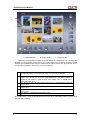
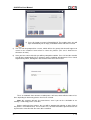
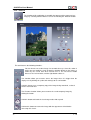
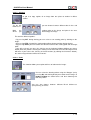
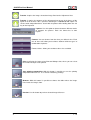
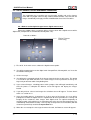
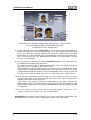
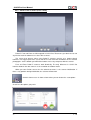
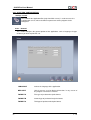
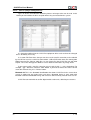
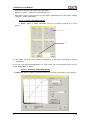
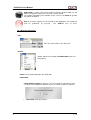
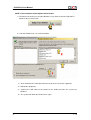
If “Basic” option in Colour Correction menu was previously selected, this screen
appears:
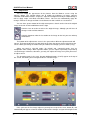
A) This allows you to fine–tune colour by components (R,G,B) either separately or at once
(Luminosity).
B) You can save different configurations, for each printer you have connected to the system,
and for Black&White or Colour.
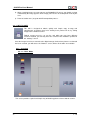
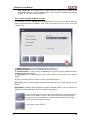
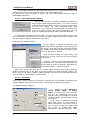
4.11.6.2 – Advanced Colour Adjustments
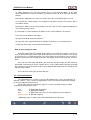
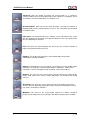
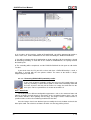
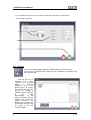
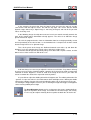
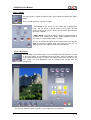
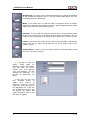
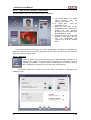
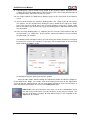
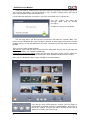
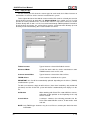
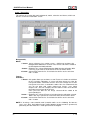
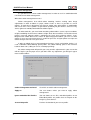
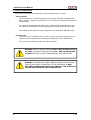
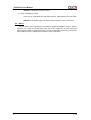
If “Advanced” option in Colour Correction menu was previously selected, this screen appears:
v. 1.0