1
5
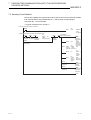
COMMUNICATION PROCEDURE
MELSEC-F
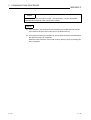
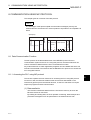
POINT
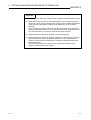
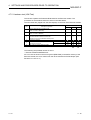
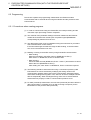
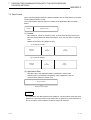
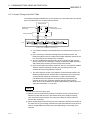
To adjust settings with FX Configurator-EN-L, select "Initial Settings" from the
initial screen, and make the settings at the "Ethernet Initial Settings" screen.
NOTE
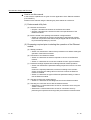
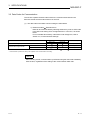
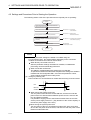
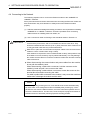
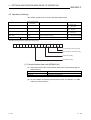
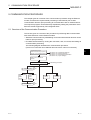
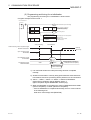
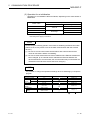
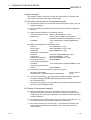
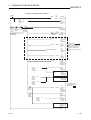
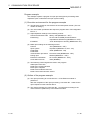
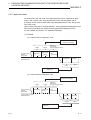
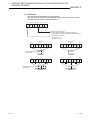
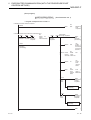
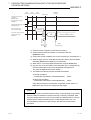
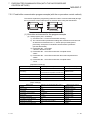
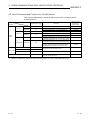
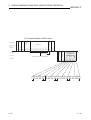
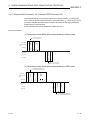
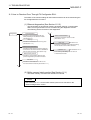
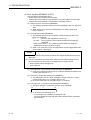
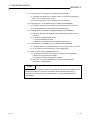
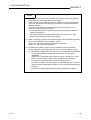
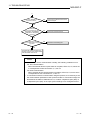
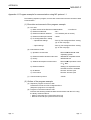
(1) Set the value of each timer on the Ethernet module side such that the following
relations are met.
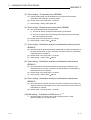
•
Response monitoring
timer value
•
TCP resend
timer value
TCP ULP
timer value
TCP end
timer value
TCP resend
timer value
IP assembly
timer value
TCP zero window
timer value
Furthermore, when connecting a line using Mitsubishi products, you should make
sure that both nodes have the same settings.
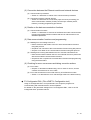
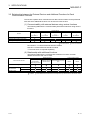
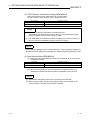
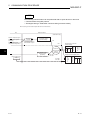
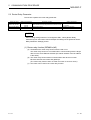
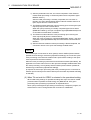
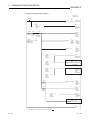
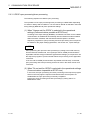
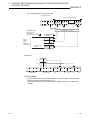
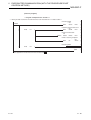
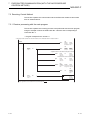
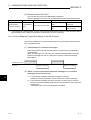
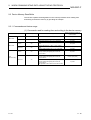
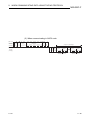
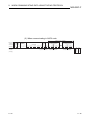
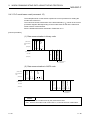
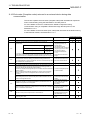
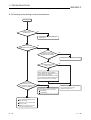
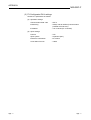
(2) Set the value of each timer on the external device side such way that the
following relations are met.
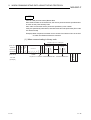
Communication errors such as transmission timeouts may occur more frequently
if the timer values are not set so that they satisfy the following relationships.
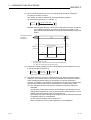
•
•
TCP resend timer value on
the external device side
Monitoring timer value for the
external device application software
TCP resend timer value on
the external device side
TCP ULP timer value on
the Ethernet module side
n *1
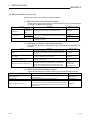
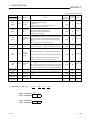
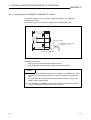
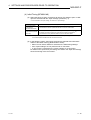
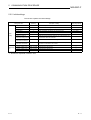
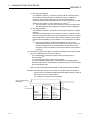
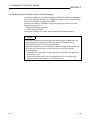
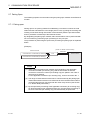
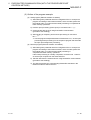
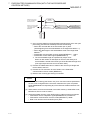
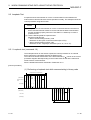
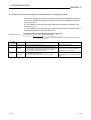
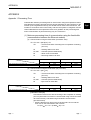
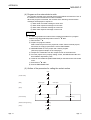
*1 n is the number of TCP segment transmissions and can be obtained via the following calculation:
n
Size of the message transmitted by the Ethernet module
Maximum segment size
(fractions below decimal
point are rounded up)
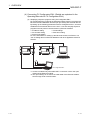
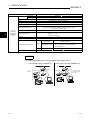
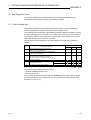
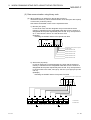
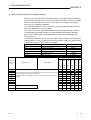
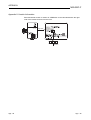
Example1: Number of TCP segment transmissions when communicating via the
same line
The maximum segment size is 1460 bytes via the same line (without
going through a router) and the number of TCP segment
transmissions is as follows:
• n = 1, if the size of the message transmitted by the Ethernet module
is 1460 bytes or less.
• n = 2, if the size of the message transmitted by the Ethernet module
is greater than 1460 bytes.
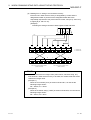
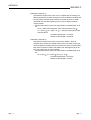
Example2: Number of TCP segment transmissions when communicating via
separate lines
The maximum segment size is at least 536 bytes on a separate line
(via router, etc.) and the number of TCP segment transmissions is as
follows:
• n = 1, if the size of the message transmitted by the Ethernet module
is 536 bytes or less.
• n = 2, if the size of the message transmitted by the Ethernet module
is greater than 536 bytes and no more than 1072 bytes.
• n = 3, if the size of the message transmitted by the Ethernet module
is greater than 1072 bytes and no more than 1608 bytes.
5-7
5-7