1
USER MANUAL: ALX-PRO - Allocation Logix
READ ALL INSTRUCTIONS BEFORE OPERATING EQUIPMENT
Dispensing - Jug Selection
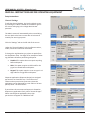
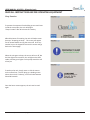
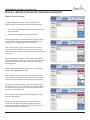
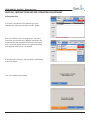
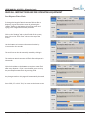
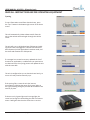
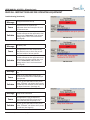
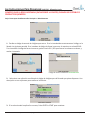
If the Jug Selection is set to “RFID,” a screen will come up
requesting the RFID card for the jug be scanned. This is to
ensure that acids dispense into jugs designed for acids, and
caustics dispense into jugs designed for caustics.
See Page 8 to change the Jug Selection.
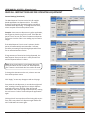
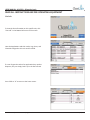
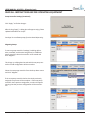
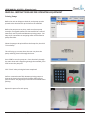
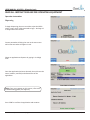
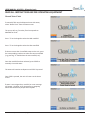
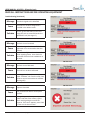
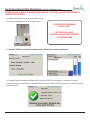
If the Jug Selection is set to “Keypad,” a message will come
up requesting the 4-digit code for the jug. This is to ensure
that acids dispense into jugs designed for acids, and caustics
dispense into jugs designed for caustics.
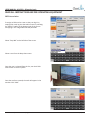
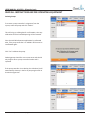
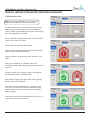
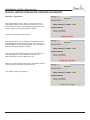
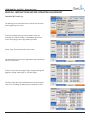
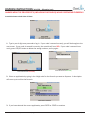
Once the jug selection requirements have been fulfilled, or
if the Jug Selection is set to “Disabled,” the unit will
automatically go to the pre-dispense screen.
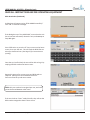
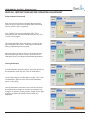
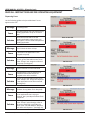
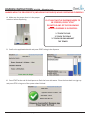
Make sure the dispensing hose from the manifold is securely
in the jug that the chemical will dispense into.
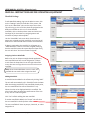
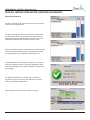
Press START to begin the dispense.
USER MANUAL (MODEL: ALX-PRO) Page 25 of 32
6/8/2015