1
8. Audit Support
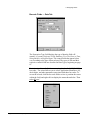
Using the Label Stock Log
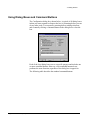
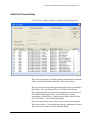
The label stock log is an ODBC-connected database table maintained by
Legi and displayed within the parent database application. For selected
label stock, Legi tracks the number of labels printed, the quantity in stock,
and when stock should be reordered. Legi updates this information in the
label stock log after successful completion of every print job (including
print jobs that print to a file). You can maintain the log by adding label
stock names and updating quantities as necessary.
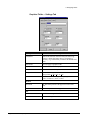
Note: Legi does not update the label stock log unless the label stock log
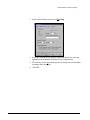
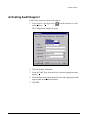
option is activated in the Configuration dialog box. (Refer to “Activating
Audit Options” on page 99).
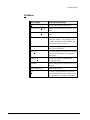
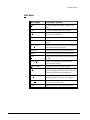
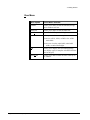
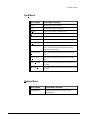
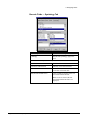
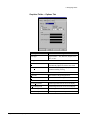
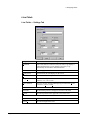
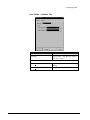
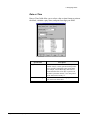
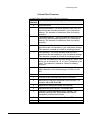
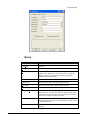
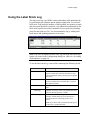
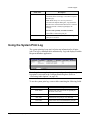
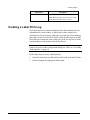
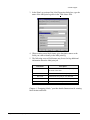
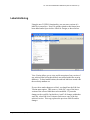
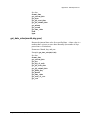
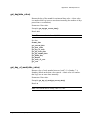
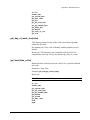
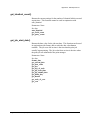
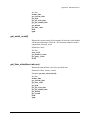
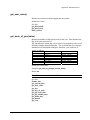
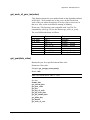
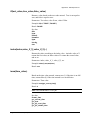
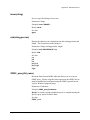
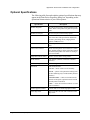
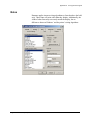
To use the label stock log, create a table containing the following fields.
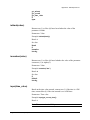
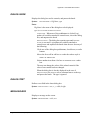
Field Name
Description
Stock Name
Label stock name. All stock names in this column
appear as label stock selections elsewhere in Legi.
(You can add stock names, but Legi does not update
this field.)
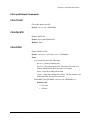
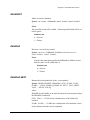
Start Date
State date – this can be the date that the stock was
received or ordered or some other date. (Legi does
not update this field.)
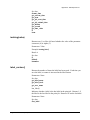
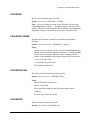
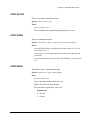
Labels Printed
Total number of labels printed on this label stock to
date.
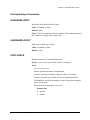
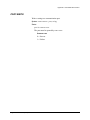
Current Qty
Quantity currently in stock. (Legi updates this field
when the Reorder Quantity is not 0.)
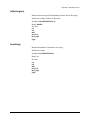
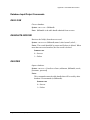
Reorder Qty
The stock level for reordering label stock – for
example, if the Reorder Qty is 50, label stock is
reordered when the Current Qty falls to 50 or
below.
Note: If you don’t want to track the Reorder Qty for
a label stock, type 0 in this field.
Legitronic User Manual (v3.4)
100