1
4. Designing Labels
Database
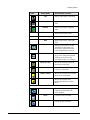
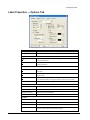
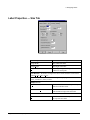
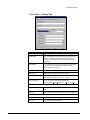
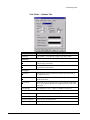
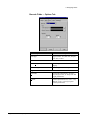
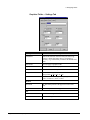
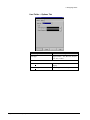
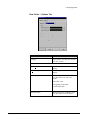
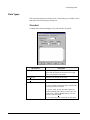
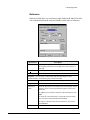
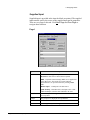
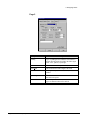
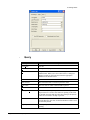
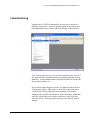
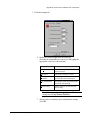
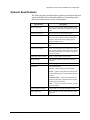
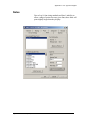
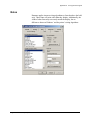
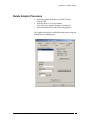
Database fields allow you to obtain field data from a selected database.
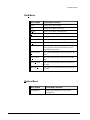
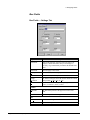
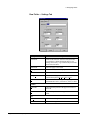
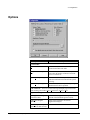
Specification
Description
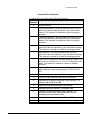
Padding
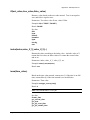
Type of padding desired when the field content is shorter than the
length specified in the Fill Length field – none, pad left, or pad
right.
Fill Character
Character to be used to pad the field.
Fill Length
The maximum allowable length of the field.
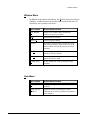
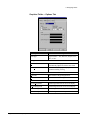
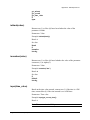
Fragment – you can specify a start position and maximum length for the field.
Start
The position at which the data should begin.
Length
The maximum length of the field.
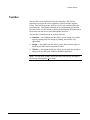
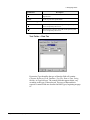
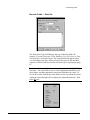
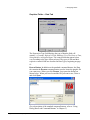
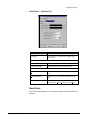
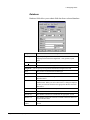
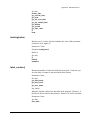
Queried Print
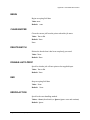
When checked, the field will get its data from the data source
identified below.
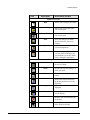
Data Source
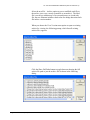
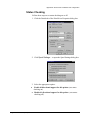
Drop-down list of data sources defined using the ODBC
Administrator. When you select a data source, a dialog box displays
so that you can locate and select the appropriate database from that
data source.
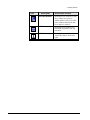
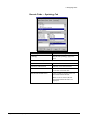
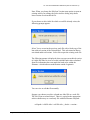
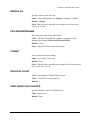
Database
Database that contains the table you want to use.
Table
Name of the table that contains the data you want to use.
Search Col
The database column to be searched for the appropriate record.
Return Col
The database field in the selected record that contains the data to be
used in the label field.
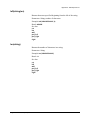
Key Field on
Label
The label field that contains the data used to select the database
record.
Legitronic User Manual (v3.4)
63