1
4. Designing Labels
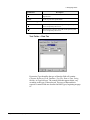
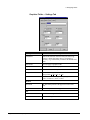
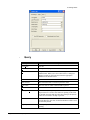
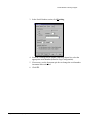
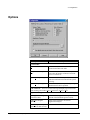
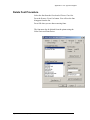
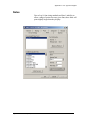
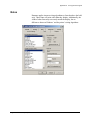
Date or Time
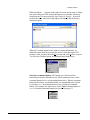
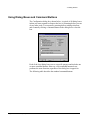
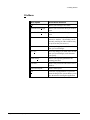
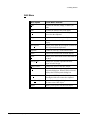
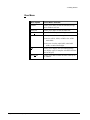
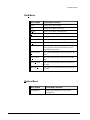
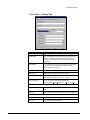
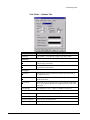
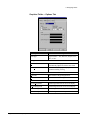
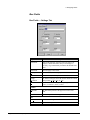
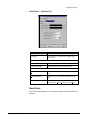
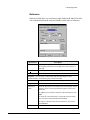
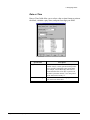
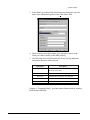
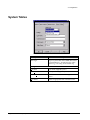
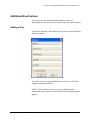
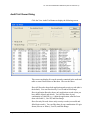
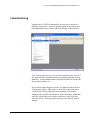
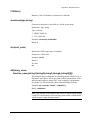
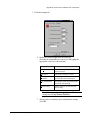
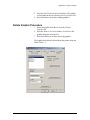
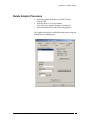
Date or Time fields allow you to select a date or time format to print on
the labels, calculate expiry dates, and print four-digit year fields.
Specification
Legitronic User Manual (v3.4)
Description
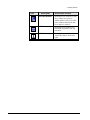
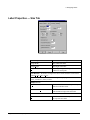
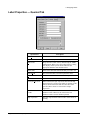
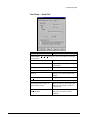
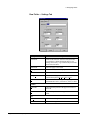
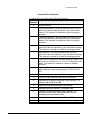
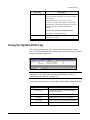
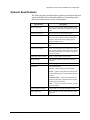
Expiry Date Offset
When checked, the current date is offset by the
number of days (1-9999) specified in the spin box
below, and the resulting date prints on the label.
For example, assume that Expiry Date Offset is
checked and an offset of 30 days is specified. If
the label is printed on January 1, the date printed
on the label will be January 31.
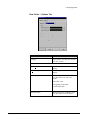
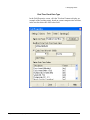
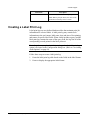
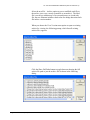
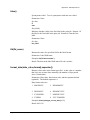
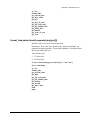
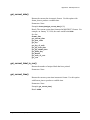
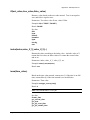
Date or Time Setting
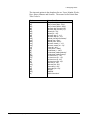
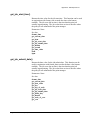
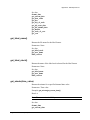
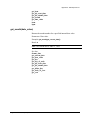
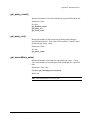
List of available date formats. Highlight the format
you want to use on the label.
65