1
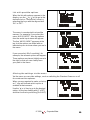
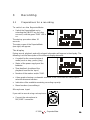
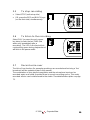
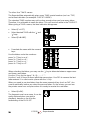
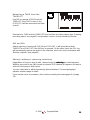
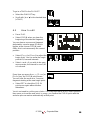
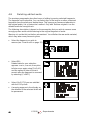
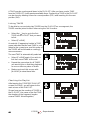
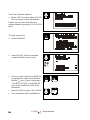
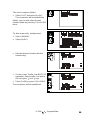
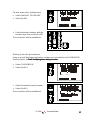
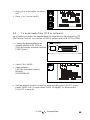
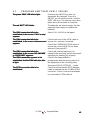
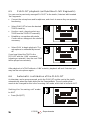
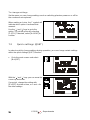
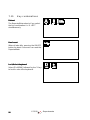
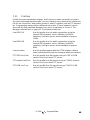
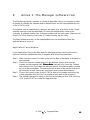
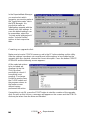
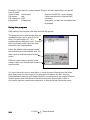
To skip to a desired TAKE:
•
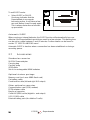
Select GOTO, then select the ‘ ’ key;
enter the number of the desired
TAKE, select GOTO again.
(After selecting GOTO for the first time,
selecting the ‘ ’ key twice has the same
effect as selecting the ‘ ’ key once).
6.4
(TAKE no)
or
(TAKE no)
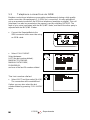
To transfer TAKES
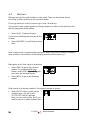
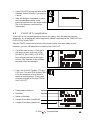
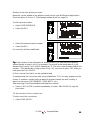
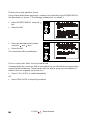
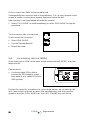
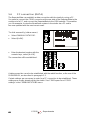
If you wish to transfer a few TAKES to the studio, it is not necessary to make a
PLAYLIST first. You can transfer TAKES directly from the TAKELIST.
•
Connect the microphone and headphone, and check to ensure they are properly
functioning.
•
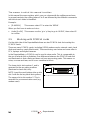
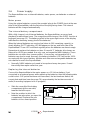
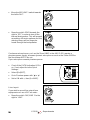
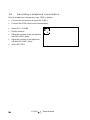
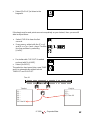
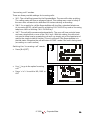
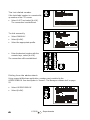
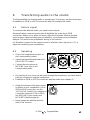
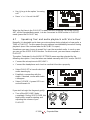
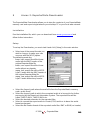
Select [C=LIST] to go to the
TAKELIST.
•
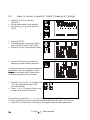
Determine which TAKES you wish to
send. You may choose to attach
names to the TAKES.
•
Establish a connection with the
studio. If necessary, confer with your
colleague in the studio.
•
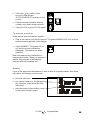
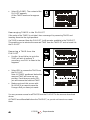
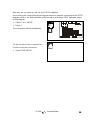
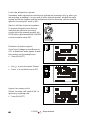
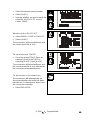
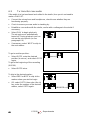
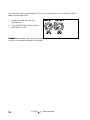
Select the desired TAKE.
•
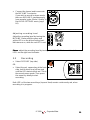
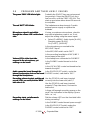
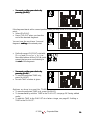
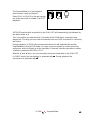
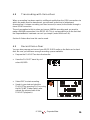
Select PLAY to begin playback.
The microphone will automatically
turn off. During playback you can not
use the microphone (or see
paragraph 6.6).
•
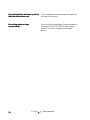
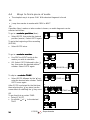
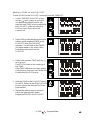
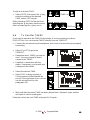
Wait until after the entire TAKE has been played back. Playback stops and the
microphone can be used again.
If desired, select the next TAKE and press PLAY again.
© 1999
- ReporterMate
69