1
XFile3 - Version 1.00 - User Manual
Camera
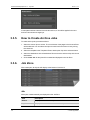
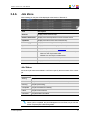
The camera filter makes it possible to select the clips to be included in the autoarchive. By
default, the cameras are not selected, all cameras are included.
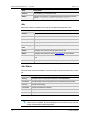
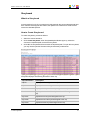
The different cameras are shown as following:
Filter
Description
A
Backup only clips stored as A clips
B
Backup only clips stored as B clips
C
Backup only clips stored as C clips
D
Backup only clips stored as D clips
E
Backup only clips stored as E clips
F
Backup only clips stored as F clips
Rating
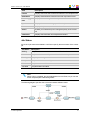
The Rating filter makes it possible to include the autoarchive the clips that were in the
required rating level. By default, no rating is selected, all ratings are included.
Rating
Description
Clips without rating
Clips with rating one
Clips with rating two
Clips with rating three
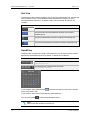
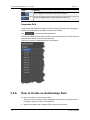
Archive Flag
The Archive Flag filter makes it possible to include in the autoarchive the clips that were
archived or not archived. By default, no archive flag is selected.
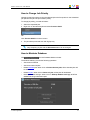
: Only include the clips which are not flagged for archived.
: Only include the clips which are flagged to be archived.
Filter
3. XFile3 Application
Meaning
+
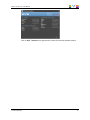
All the clips will be archived, no archive flag selected
+
All the "not flagged to be archived" and "flagged to be archived" clips
will be archived
15