1
XFile3 - Version 1.00 - User Manual
Storyboard
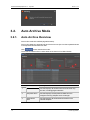
What Is a Storyboard
A storyboard is a list of clip's content that is delivered with the current selected local hard
drive. When the backup jobs are created, the operator can create it as a HTML file and
store in the desirable position.
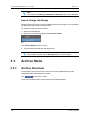
How to Create Storyboard
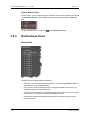
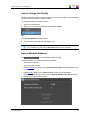
To create storyboard, proceed as follows:
1. Select the source hard drive.
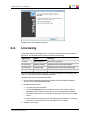
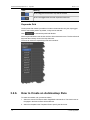
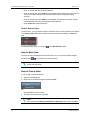
2. Click Create Storyboard, when StoryboardOptionWindow pops up, select the
choose for a requested path to store the storyboard.
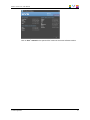
3. Click OK, the storyboard will be stored in the requested path. To open this storyboard,
you only need to open the file named Storyboard.html by web browser.
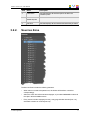
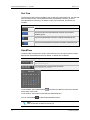
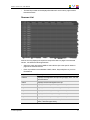
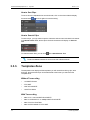
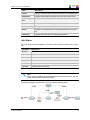
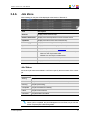
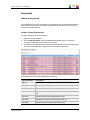
Storyboard displays the following elements of each clip:
Clip Information
Description
Clip ID
Displays the ID assigned to the clip.
Clip Name
Displays the name assigned to the clip.
TC IN
Displays the IN point of the clip assigned to the clip.
Duration
Displays the duration of the clip from IN to OUT assigned to the
clip.
Keyword1
Displas the first keyword assigned to the clip.
Keyword2
Displas the second keyword assigned to the clip.
Keyword3
Displas the third keyword assigned to the clip.
3. XFile3 Application
39