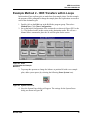
1
HDR User’s Guide
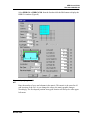
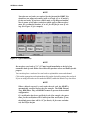
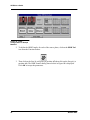
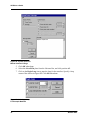
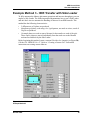
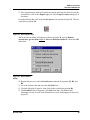
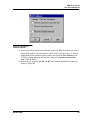
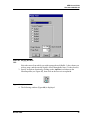
Figure 24: System pause for
Manual Labware Change
5. Click OK when done.
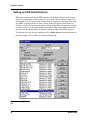
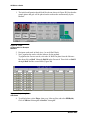
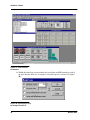
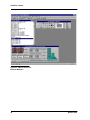
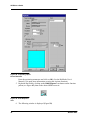
6. Select the 96-well flat plate from the Labware Bar, and click position A3.
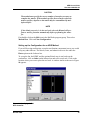
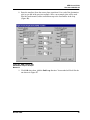
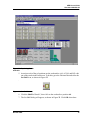
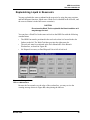
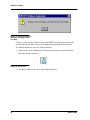
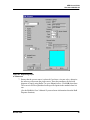
7. Click on the Begin Loop icon to start the loop for the transfers. Specify a loop
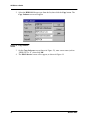
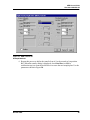
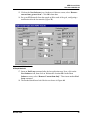
count of 4 as shown in Figure 25. Click OK when done.
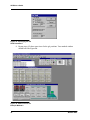
Figure 25: Initiating a Loop
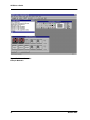
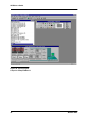
For Example Method 2
32
Biomek 2000