1
Operation
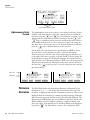
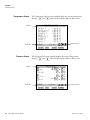
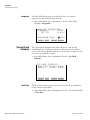
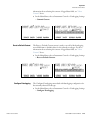
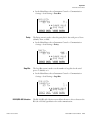
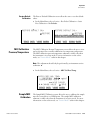
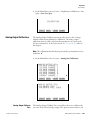
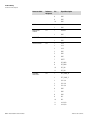
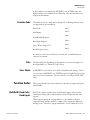
Instrument Controls Menu
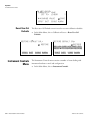
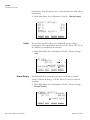
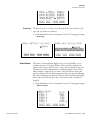
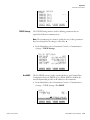
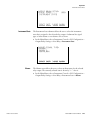
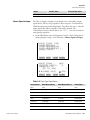
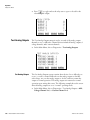
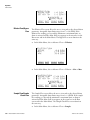
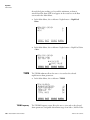
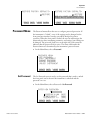
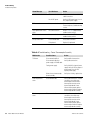
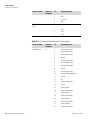
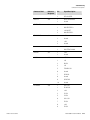
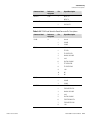
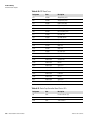
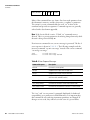
VALVE POWER:
>ACTUATOR
BLOWBACK
DILUTION AIR
PITOT BLOWBACK
TEOM BYPASS
SAMPLE PUMP RELAY
BYPASS PUMP RELAY
CFACT INST
ON
OFF
ON
ON
OFF
ON
ONª
DIAGS ALARM
PI
PD
PS
Set Temperatures
OFF
OFF
OFF
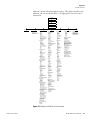
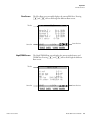
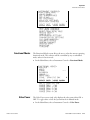
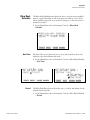
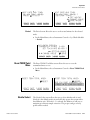
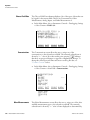
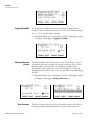
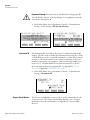
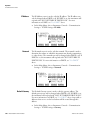
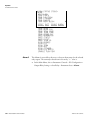
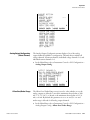
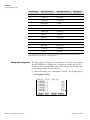
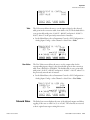
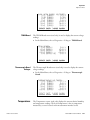
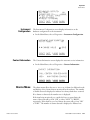
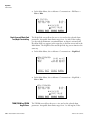
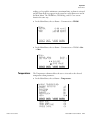
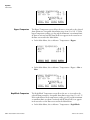
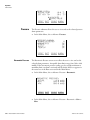
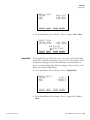
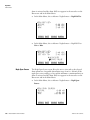
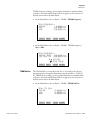
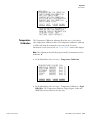
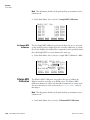
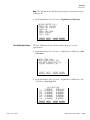
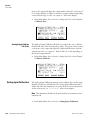
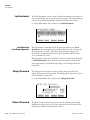
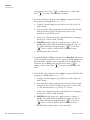
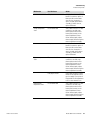
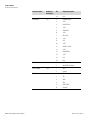
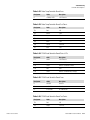
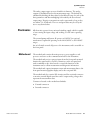
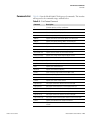
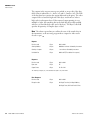
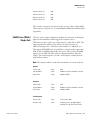
The Set Temperatures menu allows the user to view and set all thermistor
user desired values.
●
In the Main Menu, choose Instrument Controls > Set Temperatures.
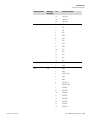
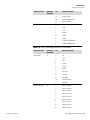
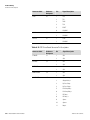
SET TEMPERATURES:
>DILUTION
STINGER
BYPASS
NEPH BLOCK
TEOM AIR TUBE
TEOM CASE
FAILSAFE
CFACT INST
Set Temperatures
o
165
120
100
58
62
65
0
C
C
C
o
C
o
C
o
C
o
C
o
o
DIAGS ALARM
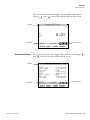
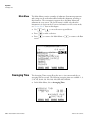
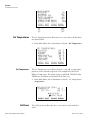
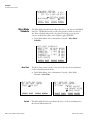
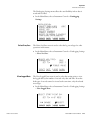
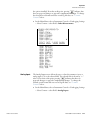
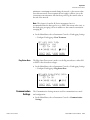
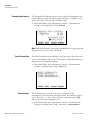
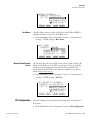
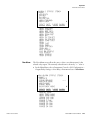
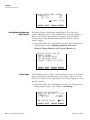
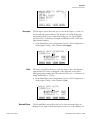
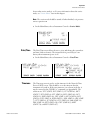
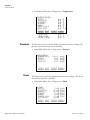
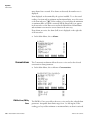
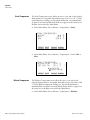
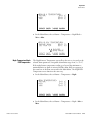
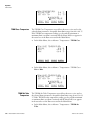
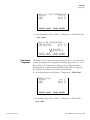
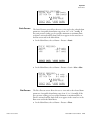
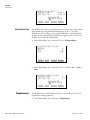
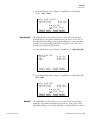
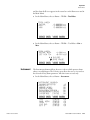
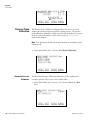
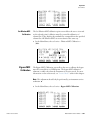
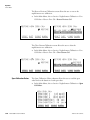
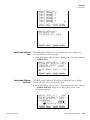
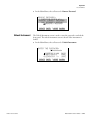
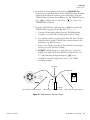
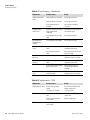
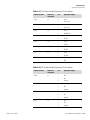
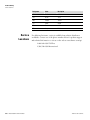
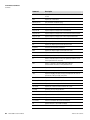
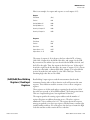
The Set Temperatures screen allows the user to view and set temperature
parameter for the selected component. The example below shows the
Dilution Temp screen. The stinger, bypass, neph block, TEOM air tube,
TEOM case, and failsafe screens function the same way.
●
In the Main Menu, choose Instrument Controls > Set Temperatures >
(temperature).
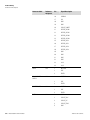
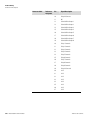
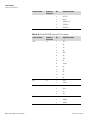
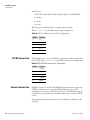
SET DILUTION TEMP:
CURRENTLY:
165
SET TO:
160
o
o
C
C ?
©ª INC/DEC
SAVE VALUE
CFACT INST
Set Flows
3-14
Model 3880i Instruction Manual
DIAGS ALARM
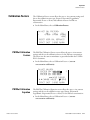
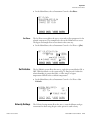
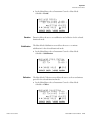
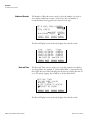
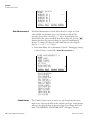
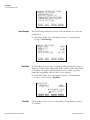
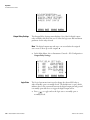
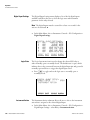
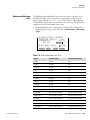
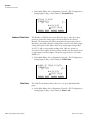
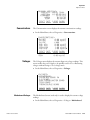
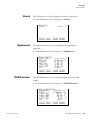
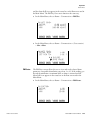
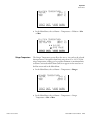
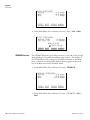
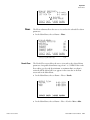
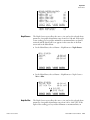
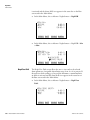
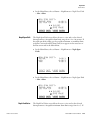
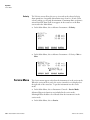
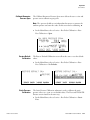
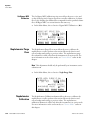
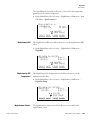
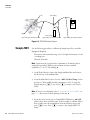
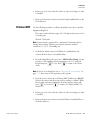
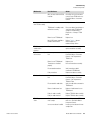
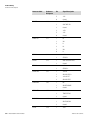
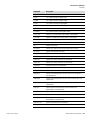
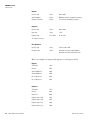
The Set Flows menu allows the user to view and set user desired flow
values.
Thermo Fisher Scientific