1
Port Configuration
Propagate Connection Error Messages
General
Information
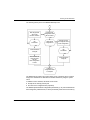
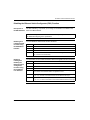
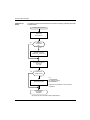
If the ESM is set to default, it will display a connection status message via the signal
contact and the LED display. The ESM allows you to disable the displaying of
connection status messages, in order to prevent a device that has been turned off
from being interpreted as an interrupted line.
Activating
Connection Error
Messages
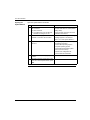
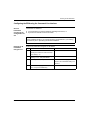
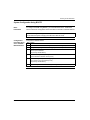
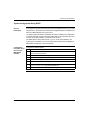
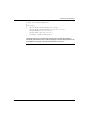
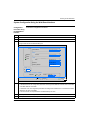
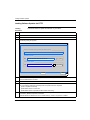
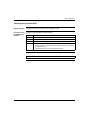
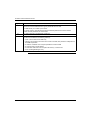
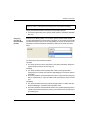
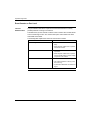
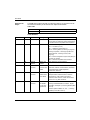
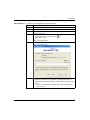
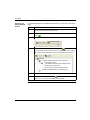
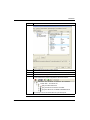
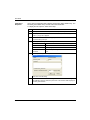
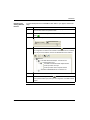
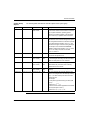
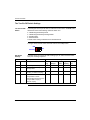
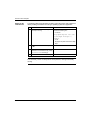
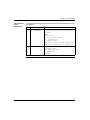
Activate the connection error messages as follows:
66
Step
Action
1
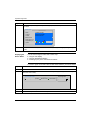
Connect the ESM to an Ethernet cable.
2
Open the Web-based interface.
3
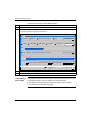
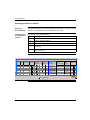
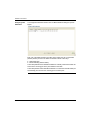
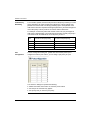
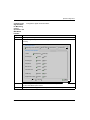
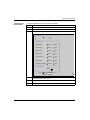
Go to Basics → Port Configuration.
4
In the Propagate connection error column, select the ports whose connections
you want to mask the displaying of the connection status message.
31007122 8/2008