1
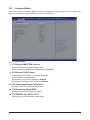
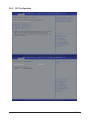
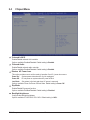
 AMI SIO Driver Version
Display the AMI SIO driver version information.
Super IO Chip Logical Device(s) Configuration
[*Active*] Serial Port 1/2/3/4/5/6
Press [Enter] for confuguration of advanced items.
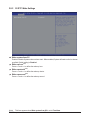
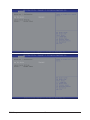
Serial Port 1 Configuration
Use This Device
When enabled allows you to configure the serial port 1 settings. When set to Disabled, displays no
configuration for the serial port.
Options available: Enabled/Disabled. Default setting is Enabled.
Logical Device Settings
Display the Serial Port 1 base I/O addressand IRQ.
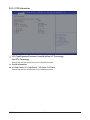
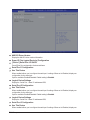
Serial Port 2 Configuration
Use This Device
When enabled allows you to configure the serial port 2 settings. When set to Disabled, displays no
configuration for the serial port.
Options available: Enabled/Disabled. Default setting is Enabled.
Logical Device Settings
Display the Serial Port 2 base I/O addressand IRQ.
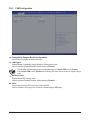
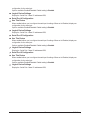
Serial Port 3 Configuration
Use This Device
When enabled allows you to configure the serial port 3 settings. When set to Disabled, displays no
BIOS Setup
- 44 -