1
Using ADVance MS
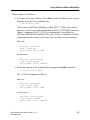
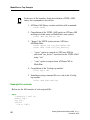
o architecture dtoa(behavioral)
o entity d2a
o architecture d2a(structural)
o entity adc12.
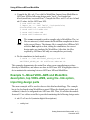
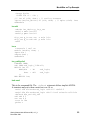
Example 1—Pure VHDL-AMS description
• Before you can compile your design, you must create a library to store the
compilation results. Use “valib” on page 8-16 to create a new library.
Create the working library in your current default directory from the Unix
command line:
$ valib ADC12
• You will receive progress messages as the various steps in creating the
library are executed. The result will be a directory ADC12 in your default
directory. If you get messages indicating that valib “can’t find” various
items, it is probably because you have not run the ADVance MS set up
script. In subsequent sessions you will need to execute the following
command to restore the working library definition:
$ vasetlib ADC12
Refer to “Using Design Libraries” on page 3-1, for additional information
on working with libraries.
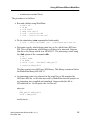
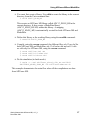
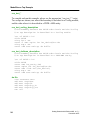
• Compile the model from the Unix command line:
$ vacom adc12-ms.vhd
$ vacom adc12-all-adms.vhd
$ vacom adc12-adms.vhd
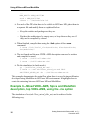
The ADVance MS compiler compiles one or more VHDL-AMS design
units with a single invocation of “vacom” on page 8-2. The design units are
compiled in the order that they appear on the command line. For ADVance
MS, the order of compilation is important—you must compile any entities
or configurations before an architecture that references them.
6
Getting Started with ADVance MS, v1.5_1
December 2001