1
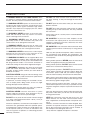
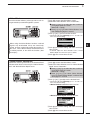
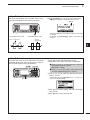
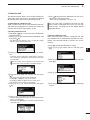
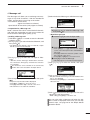
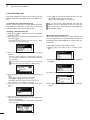
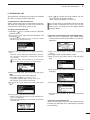
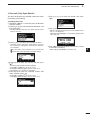
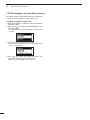
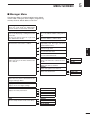
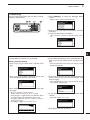
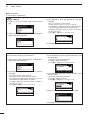
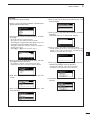
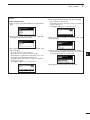
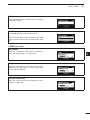
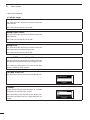
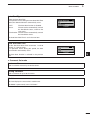
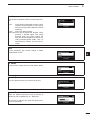
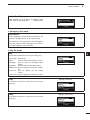
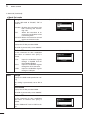
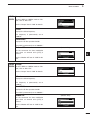
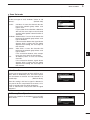
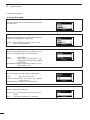
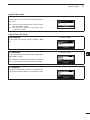
5 MENU SCREEN DD Setmode Mode Set mode (Continued) LSBD3 Accept (Default: Disable) USBD3 Set the LSBD3 or USBD3 mode to “Disable,” “RX” or “RX & TX.” See the “Accept” item in “LSB” for details. Offset Displays the Offset frequency. The frequency is permanently set to “1650Hz.” Band Width Displays the IF filter passband width. The width is permanently set to “3000Hz.” Modem AF Set the connector for data modulation input when an external unit’s [PTT] is pushed. See the “Modem AF” item in “LSB” for details. Password Set mode User Enter a Login Password of up to 10 characters to enter the User mode. Admin Enter a Login Password of up to 10 characters to enter the Administrator mode. PIN Code Set mode PIN Code Set a PIN code of up to 10 digits. When the matched Selcall ID and PIN Code are received, the stun function is activated. 60 (Default: ACC)