1
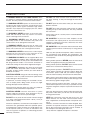
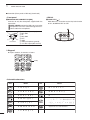
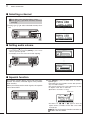
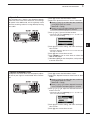
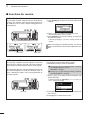
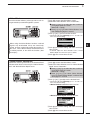
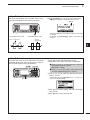
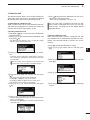
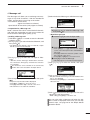
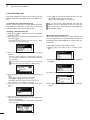
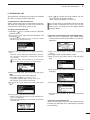
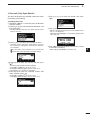
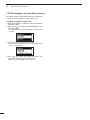
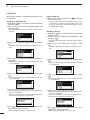
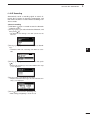
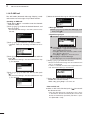
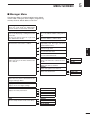
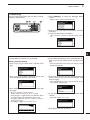
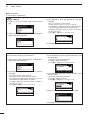
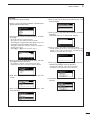
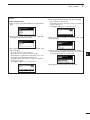
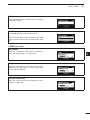
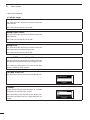
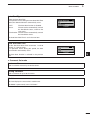
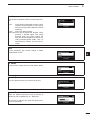
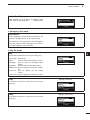
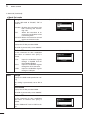
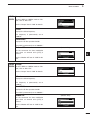
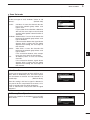
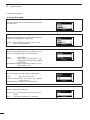
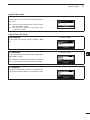
Scan Set mode Type (Default: Call) Set the scan type to “Call,” “S-Meter,” “Voice” or “All Memory.” (Default: Call) CALL:Call Scan. It scans the channels that belong to the network group whose scan type is “Call.” If your station ID is called with a Selcall or ALE call, the scan stops on that channel and the voice squelch control function is activated. S-Meter:S-Meter Scan. It scans the channels that belong to the network group whose scan type is “S-Meter.” If the transceiver detects the signal whose S-meter level is higher than the Meter Squelch Level setting, the scan stops on that channel. Voice:Voice Scan. It scans the channels that belong to the network group whose scan type is “Voice.” If the transceiver detects voice components, the scan stops on that channel. All:All Memory Scan. It scans all memory channels. If the transceiver detects signal whose S-meter level is higher than the Meter Squelch Level setting, the scan stops on that channel. Voice Scan Resume 1 2 3 4 5 6 7 8 (Default: 10sec) Set the scan resume function to ON or OFF for an SMeter, Voice or All Memory scan, and set the pause timer to between 5 seconds and 120 seconds, in 5 second steps. (Default: 10sec) Set the scan speed for the All Memory scan to LOW, MID or HIGH. (Default: HIGH) 9 10 11 When this setting is ON and a signal is detected, a scan pauses for this set period, then resumes, or resumes 2 seconds after the signal disappears. If OFF is selected, the scan pauses until the signal disappears. All Memory Scan Speed 5 Quick Reference MENU SCREEN 12 13 (Default: HIGH) 14 15 16 17 61