1
SIPLUS CMS X-Tools - User Manual - 05 - Monitoring System
2.2.4.15.3
SIPLUS CMS
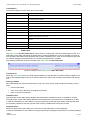
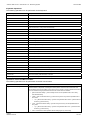
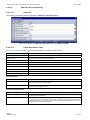
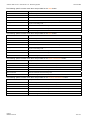
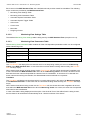
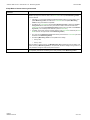
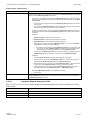
Menu Bar
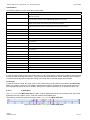
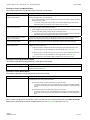
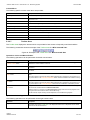
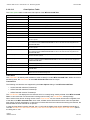
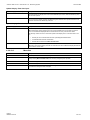
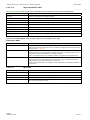
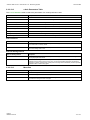
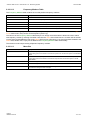
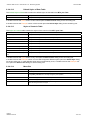
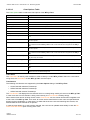
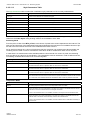
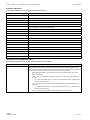
Menu Button
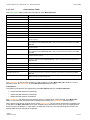
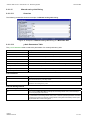
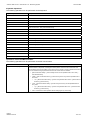
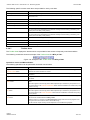
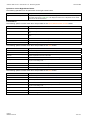
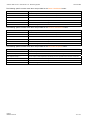
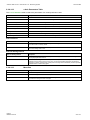
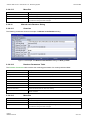
Description
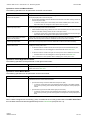
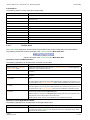
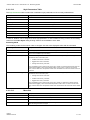
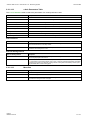
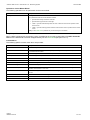
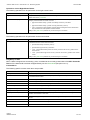
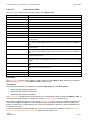
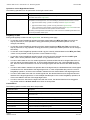
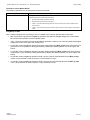
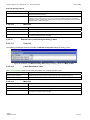
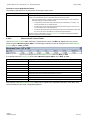
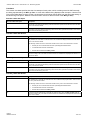
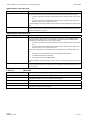
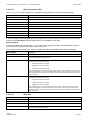
OK
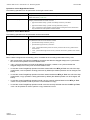
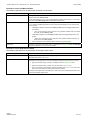
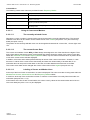
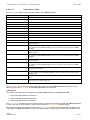
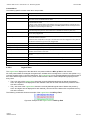
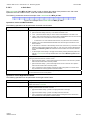
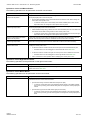
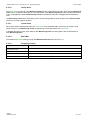
Closes the dialog and takes over all user inputs.
Cancel
Closes the dialog and discards all user inputs.
Apply
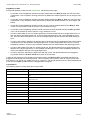
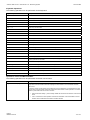
Takes over all user inputs without closing the dialog. This control is enabled only in case the settings within the dialog have been changed.
2.2.4.16
2.2.4.16.1
Manual scale y-Axis Dialog
Overview
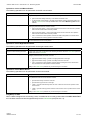
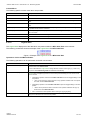
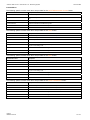
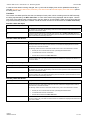
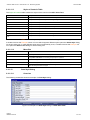
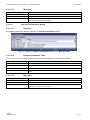
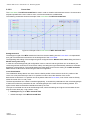
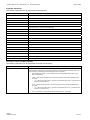
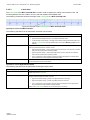
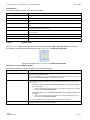
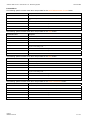
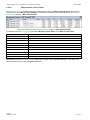
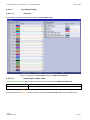
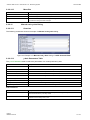
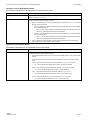
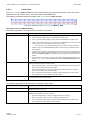
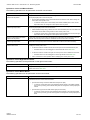
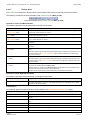
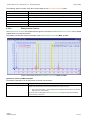
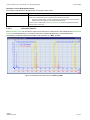
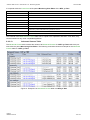
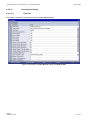
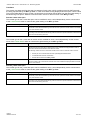
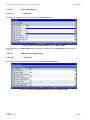
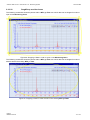
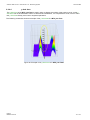
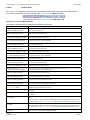
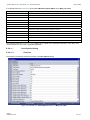
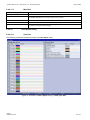
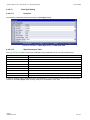
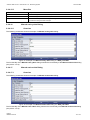
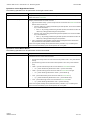
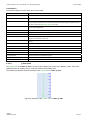
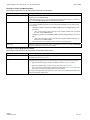
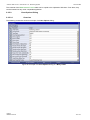
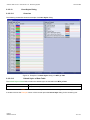
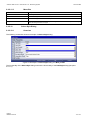
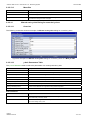
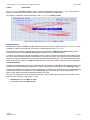
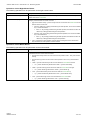
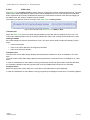
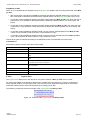
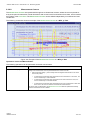
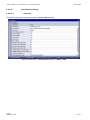
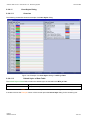
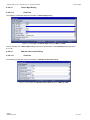
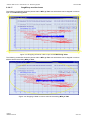
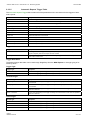
The following screenshot shows an example of a Manual scale y-Axis dialog:
Figure 77: Example of a Manual scale y-Axis Dialog of a MTC ynm T001
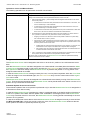
The functionality of the Manual scale y-Axis dialog matches the functionality of the Manual scale x-Axis dialog
(see point 2.2.4.15).
2.2.4.17
2.2.4.17.1
Manual scale z-Axis Dialog
Overview
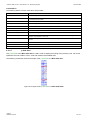
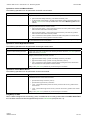
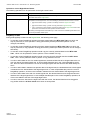
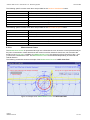
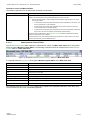
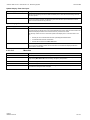
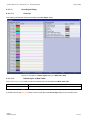
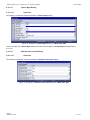
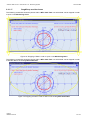
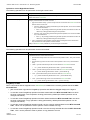
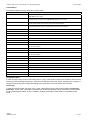
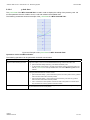
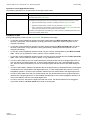
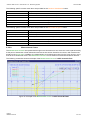
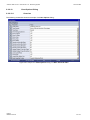
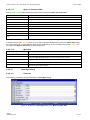
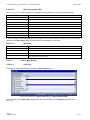
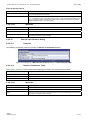
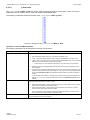
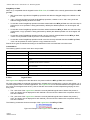
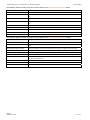
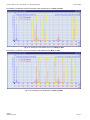
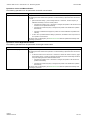
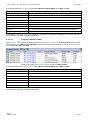
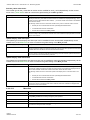
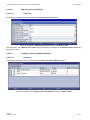
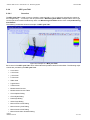
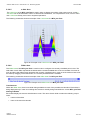
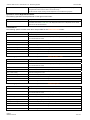
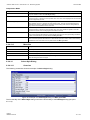
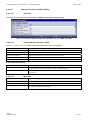
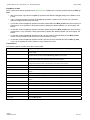
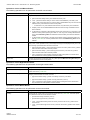
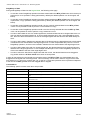
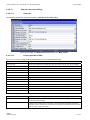
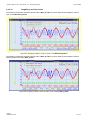
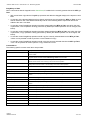
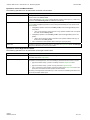
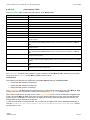
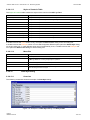
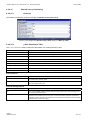
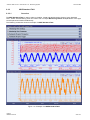
The following screenshot shows an example of a Manual scale z-Axis dialog:
Figure 78: Example of a Manual scale z-Axis Dialog of a MTC ynm T001
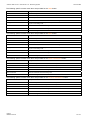
The functionality of the Manual scale z-Axis dialog matches the functionality of the Manual scale x-Axis dialog
(see point 2.2.4.15).
English
Release 2012-09
143 / 214