1
SIPLUS CMS X-Tools - User Manual - 05 - Monitoring System
SIPLUS CMS
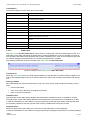
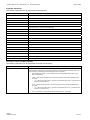
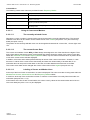
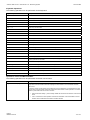
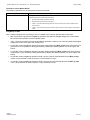
Operations via the Right Mouse Button
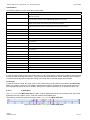
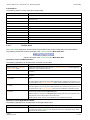
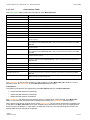
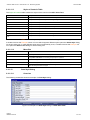
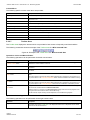
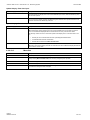
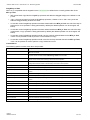
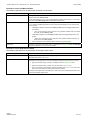
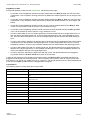
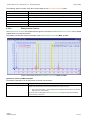
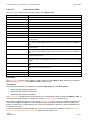
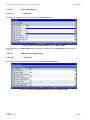
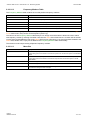
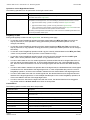
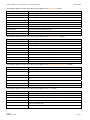
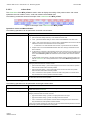
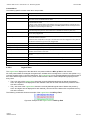
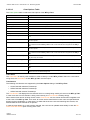
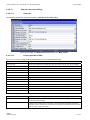
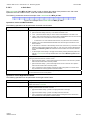
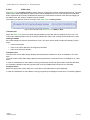
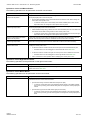
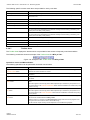
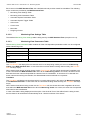
The following operations can be performed via the right mouse button:
Operation
Description
single click with releasing the button
A single click of the right mouse button with releasing the button above the Toolbar Area opens
the context menu for the Toolbar Area. The displayed context menu is dependent to the clicked
toolbar button as described below.
Context Menu
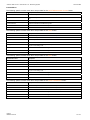
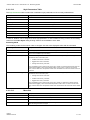
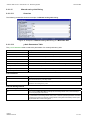
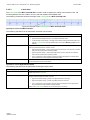
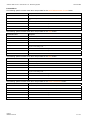
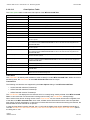
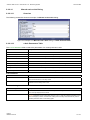
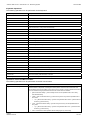
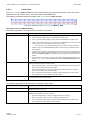
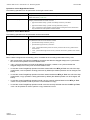
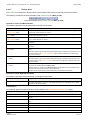
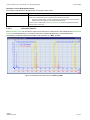
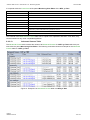
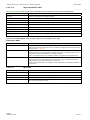
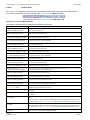
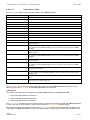
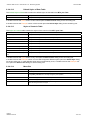
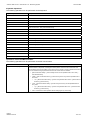
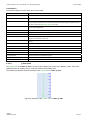
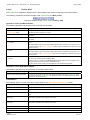
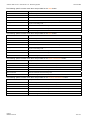
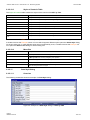
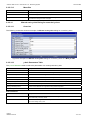
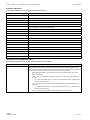
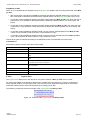
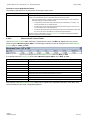
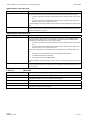
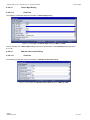
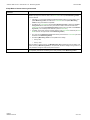
The following specific context menu items are provided for the On/Off Measurement Cursors button:
Context Menu Item
Description
Show Toolbar > …
sets the visibility of the toolbar to the state which is specified via the submenu of this item
Show Measurement Cursors > …
sets the visibility of measurement cursors to the state which is specified via the submenu of this
item
Restore Measurement Cursors
restores the positions of the measurement cursors so that both of them are visible at the screen
again
Print Screenshot
prints the screenshot of the Monitoring View
Save Screenshot
saves the screenshot of the Monitoring View
Close Chart
closes the MTC yx T001
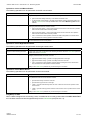
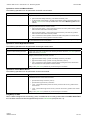
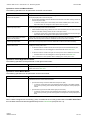
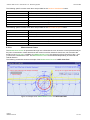
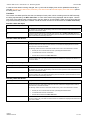
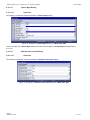
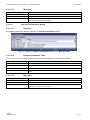
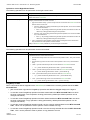
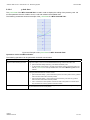
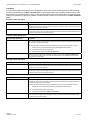
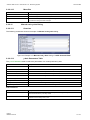
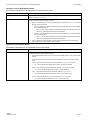
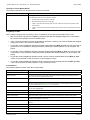
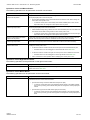
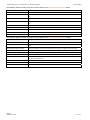
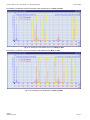
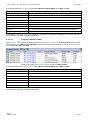
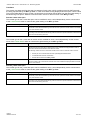
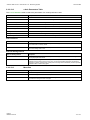
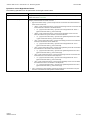
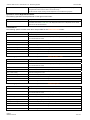
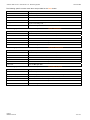
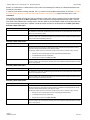
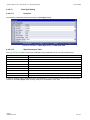
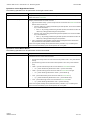
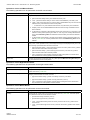
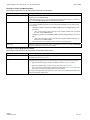
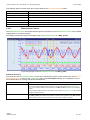
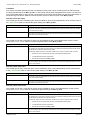
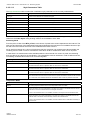
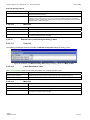
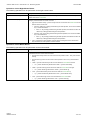
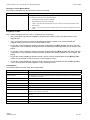
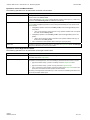
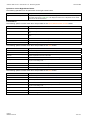
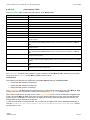
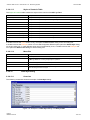
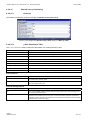
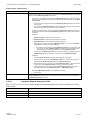
The following specific context menu items are provided for the Undo button:
Context Menu Item
Description
Show Toolbar > …
sets the visibility of the toolbar to the state which is specified via the submenu of this item
Undo
undoes the last operation from the undo buffer
Undo all
undoes all operations from the undo buffer
Clear Undo/Redo Buffer
removes all entries from the undo/redo buffer of the MTC yx T001
Change Undo/Redo Buffer Size
opens the Chart Options dialog, sets the input focus to the Undo/Redo Buffer Size edit control
and puts it into editing mode
Print Screenshot
prints the screenshot of the Monitoring View
Save Screenshot
saves the screenshot of the Monitoring View
Close Chart
closes the MTC yx T001
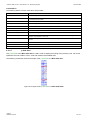
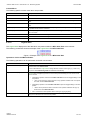
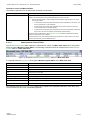
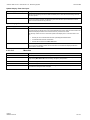
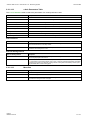
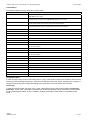
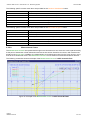
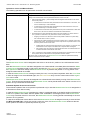
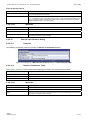
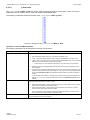
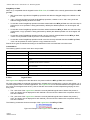
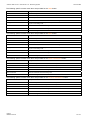
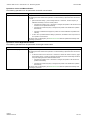
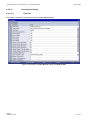
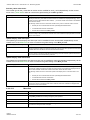
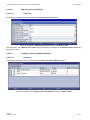
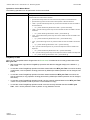
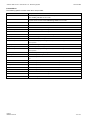
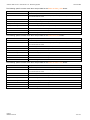
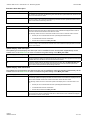
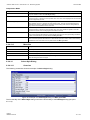
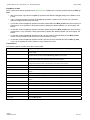
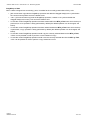
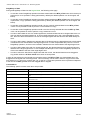
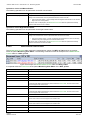
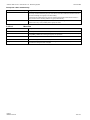
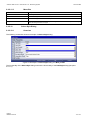
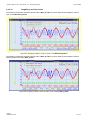
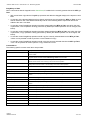
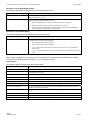
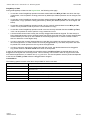
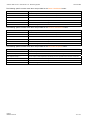
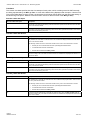
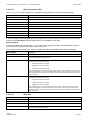
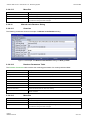
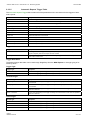
The following specific context menu items are provided for the Redo button:
Context Menu Item
Description
Show Toolbar > …
sets the visibility of the toolbar to the state which is specified via the submenu of this item
Redo
redoes the last operation from the redo buffer
Redo all
redoes all operations from the redo buffer
Clear Undo/Redo Buffer
removes all entries from the undo/redo buffer of the MTC yx T001
Change Undo/Redo Buffer Size
opens the Chart Options dialog, sets the input focus to the Undo/Redo Buffer Size edit control
and puts it into editing mode
Print Screenshot
prints the screenshot of the Monitoring View
Save Screenshot
saves the screenshot of the Monitoring View
Close Chart
closes the MTC yx T001
English
Release 2012-09
190 / 214