1
INTREPID User Manual
Library | Help | Top
Task files
Euler Deconvolution (T44)
14
| Back |
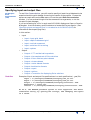
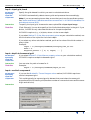
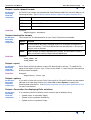
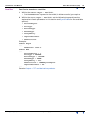
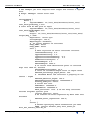
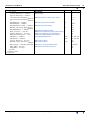
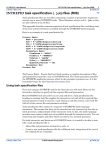
Example:
Subset Begin
XLower=
XUpper=
YLower=
YUpper=
...
Subset End
520129.158
595129.158
7236236.0
7311236.0
Creating the complete set of Euler solutions—Steps
Parent topic:
Euler
Deconvolution
(T44)
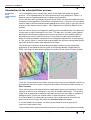
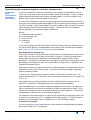
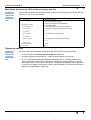
In the first stage of the Euler Deconvolution process INTREPID generates a complete
set of Euler solutions.
It saves these solutions to a file from which you can select solutions for the output
dataset. See Output—the complete set of Euler solutions for details.
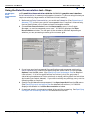
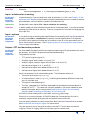
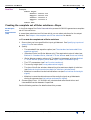
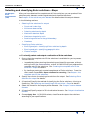
>> To create the complete set of Euler solutions
1
Ensure that you have specified the input grid dataset. See Specifying input and
output files for instructions.
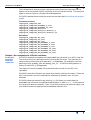
2
Specify
3
•
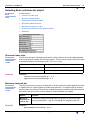
The extended Euler equation option (see The standard and extended Euler
equation options).
•
(Standard Euler and Euler Werner only) The required structural index (see
Method 1—Standard Euler, Method 2—Euler Werner and Structural Index).
•
(Euler Werner property solver only) The depth to basement grid (see Method
7—Euler Werner property solver and Input—depth to basement grid).
•
The FFT parameters (see Fast Fourier transform).
•
The survey height (see Survey observation height).
•
The size of the Euler window, determining the maximum depth of solutions
(see Determining the maximum depth for solutions (window size)).
•
Whether to convolve the derivatives before use (see Derivatives and analytic
signal).
•
Whether to save the derivatives and the analytic signal as grid datasets
during the process (see Derivatives and analytic signal).
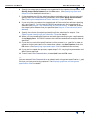
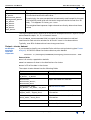
Choose Apply Euler. INTREPID will calculate and save the solutions and
intermediate results datasets if specified.
See the following sections for details about this process.
Library | Help | Top
© 2012 Intrepid Geophysics
| Back |