1
Exclude directories - Navigator
Remote Client Administration
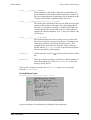
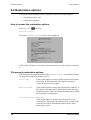
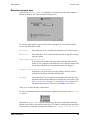
Exclude directory
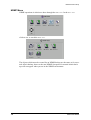
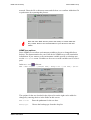
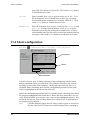
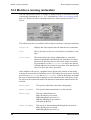
An excluded directory in a savepack is one which will not be backed up during a
backup operation.
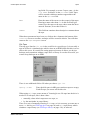
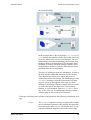
Simply exclude
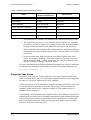
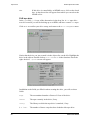
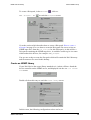
If you exclude simply a directory, a sub-directory directly selected in the savepack
will itself be backed up. The folder symbol to the left of the directory name will be
colored orange if that directly is simply excluded.
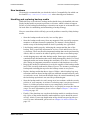
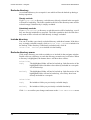
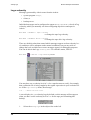
Absolutely exclude
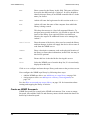
If you exclude absolutely a directory, no sub-directories will be backed up, even if
they are directly included in a savepack. The folder symbol to the left of the directory name will be colored red if that directly is simply excluded.
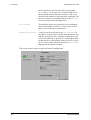
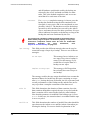
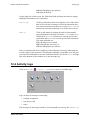
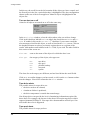
Include directory
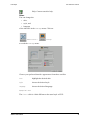
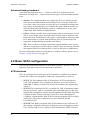
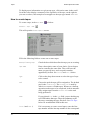
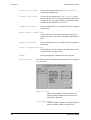
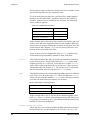
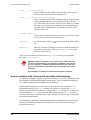
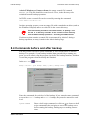
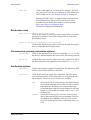
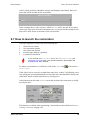
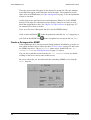
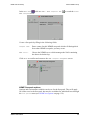
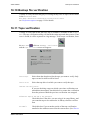
You can re-include a previously excluded directory with these buttons. If the directory is simply excluded (orange), click on Include folder: Simply to re-include it in
the backup. If the directory is absolutely excluded (red), click on
Include folder : Absolutely to re-include it in the backup.
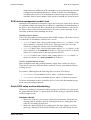
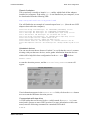
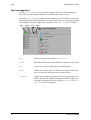
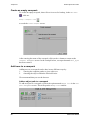
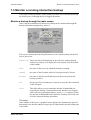
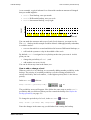
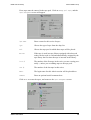
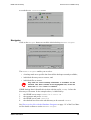
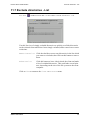
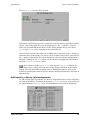
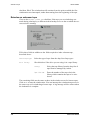
Exclude directory menu
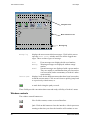
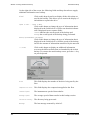
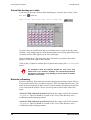
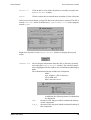
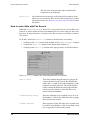
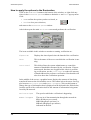
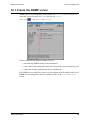
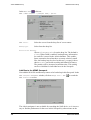
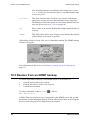
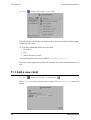
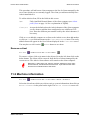
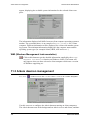
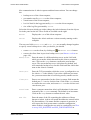
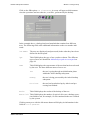
Click on the directory you wish to exclude (or re-include) in the navigator window.
Double-click on a directory to reach the directory structure one level below. When
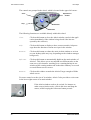
a directory is highlighted, the buttons above will have these effects:
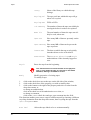
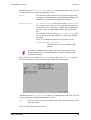
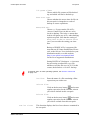
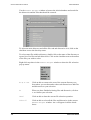
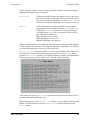
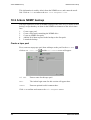
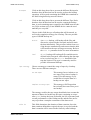
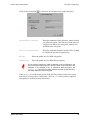
Exclude folder:
Simply
The highlighted folder will not be backed up. Sub-directories of the
highlighted folder which have been directly included in a savepack
will be backed up.
Absolutely
The highlighted folder will not be backed up. Sub-directories of the
highlighted folder will not be backed up, even if they have been
directly included in a savepack.
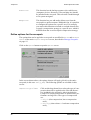
Include folder:
Simply
Re-include a folder you previously excluded simply.
Absolutely
Re-include a folder you previously excluded absolutely.
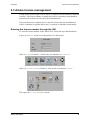
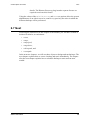
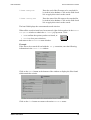
Click Close to confirm your changes and return to the Client administration menu.
176
Arkeia 5 User Manual