1
Configuration Wizard Intelligent (Motion)
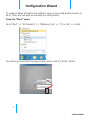
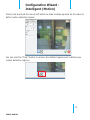
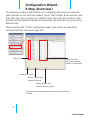
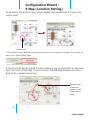
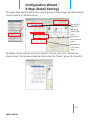
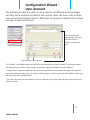
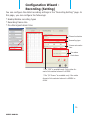
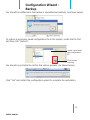
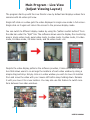
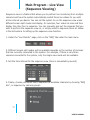
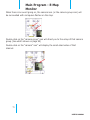
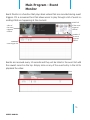
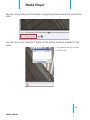
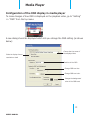
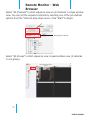
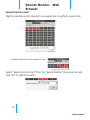
To start configuring the detail settings, select a channel by clicking on the radio button first, and its video should be displayed in the lower-right hand corner:
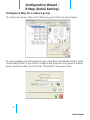
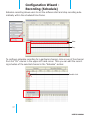
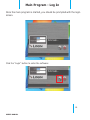
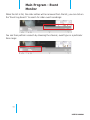
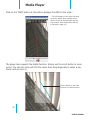
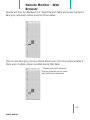
Check the “Start” checkbox to enable motion detection for the selected channel:
26
USER’S MANUAL