1
Reports
133
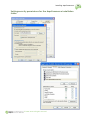
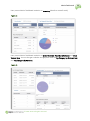
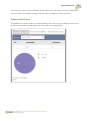
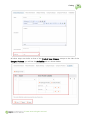
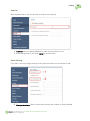
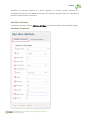
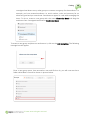
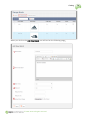
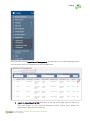
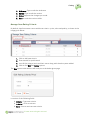
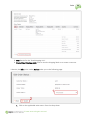
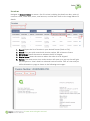
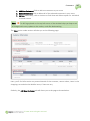
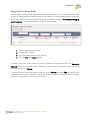
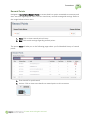
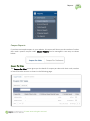
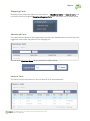
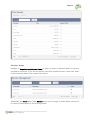
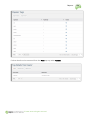
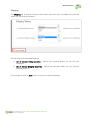
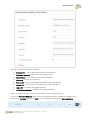
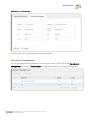
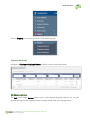
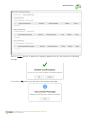
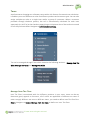
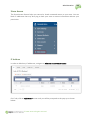
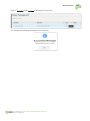
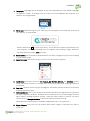
This report can also be viewed in Excel or CSV format. To view the details of each coupon, click
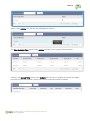
on View pop-up under Actions as shown below.
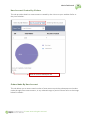
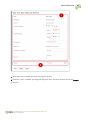
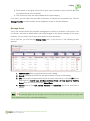
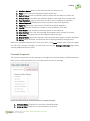
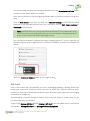
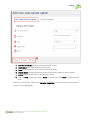
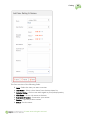
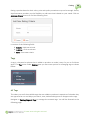
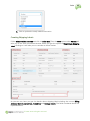
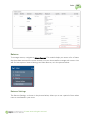
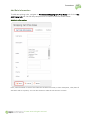
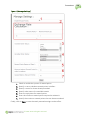
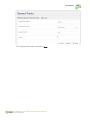
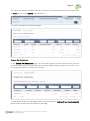
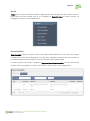
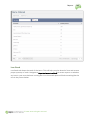
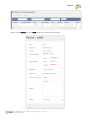
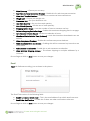
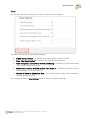
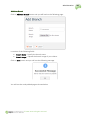
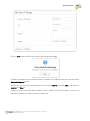
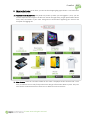
You will be directed to the following page.
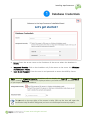
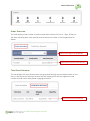
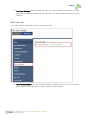
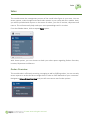
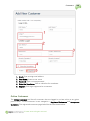
Coupon Per Customers
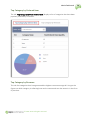
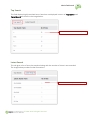
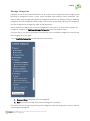
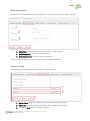
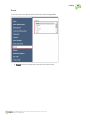
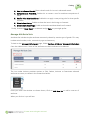
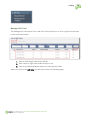
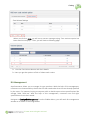
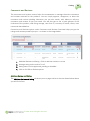
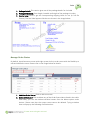
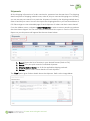
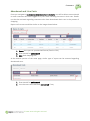
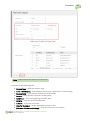
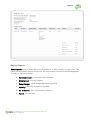
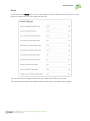
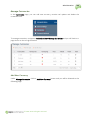
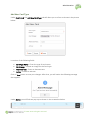
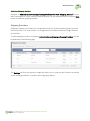
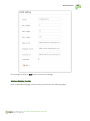
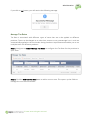
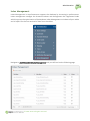
In the Coupon Per Customers page, you can access reports on each coupon use as per the
customers while also retrieving information on the validity of each coupon and its status. You
can choose the reports in Excel or CSV format.
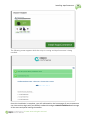
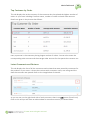
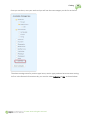
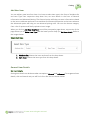
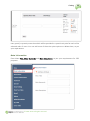
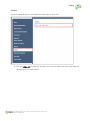
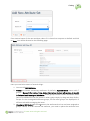
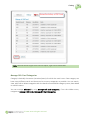
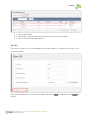
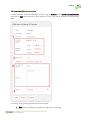
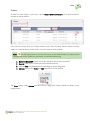
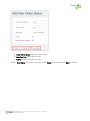
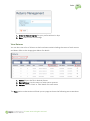
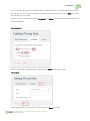
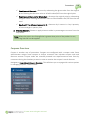
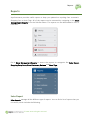
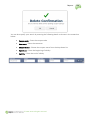
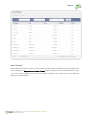
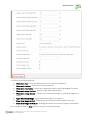
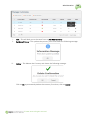
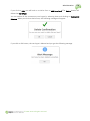
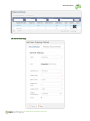
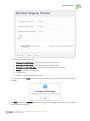
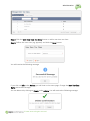
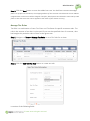
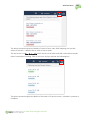
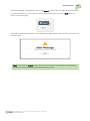
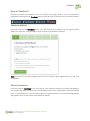
You can delete all the non-pending coupon users by clicking on Delete All Non Pending User(s)
button and you will receive the following message.
© 2011-2014. All rights reserved.