1
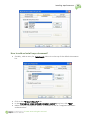
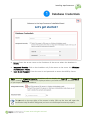
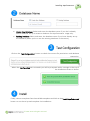
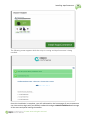
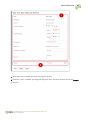
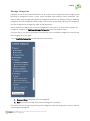
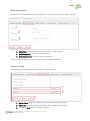
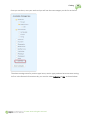
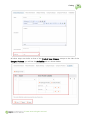
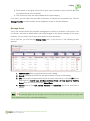
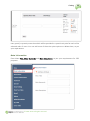
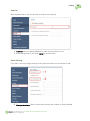
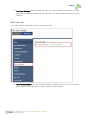
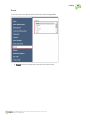
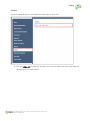
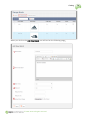
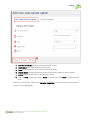
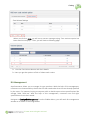
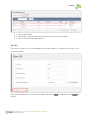
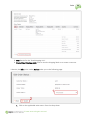
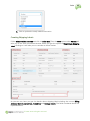
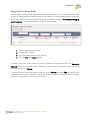
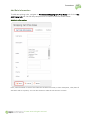
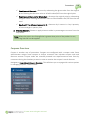
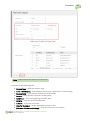
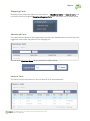
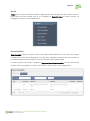
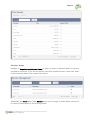
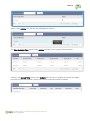
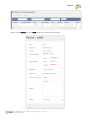
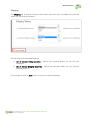
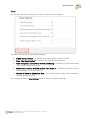
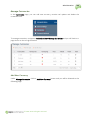
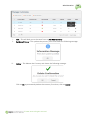
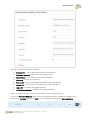
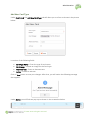
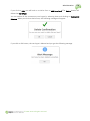
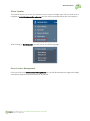
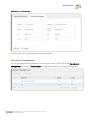
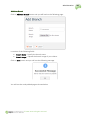
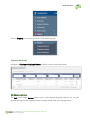
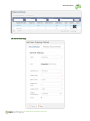
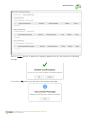
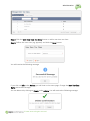
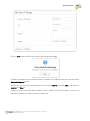
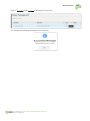
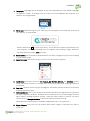
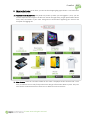
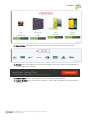
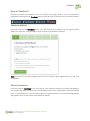
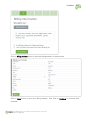
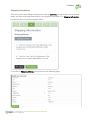
Installing AspxCommerce 28 Create New Database: Select and enter the database name if you don't already have a database set up or create a database for AspxCommerce usage only. Existing Database: Select and enter the database name if you have already set up the database (when you're to use the existing database in the server). Click on the ‘Test Configuration’ button to check the current file permissions and database connection. When the ‘configuration’ test succeeds you will be prompted with a message on the top of the installation screen as shown: Finally, choose a template from the available templates and click on the ‘Install AspxCommerce’ button to run the script and complete the installation. © 2011-2014. All rights reserved.